Free Name Plate Templates for Microsoft Word – Looking for a free name plate template in Microsoft Word? Whether you need desk name plates, door signs, event name badges, or simple printable name tags, Word makes it easy to create professional results at home or in the office.
This guide explains what free name plate templates are, how to get legitimate downloadable files, and the best trusted sources for USA users. You’ll also find practical tips for customizing and printing them on standard US Letter paper.
What Is a Free Name Plate Template for Word?
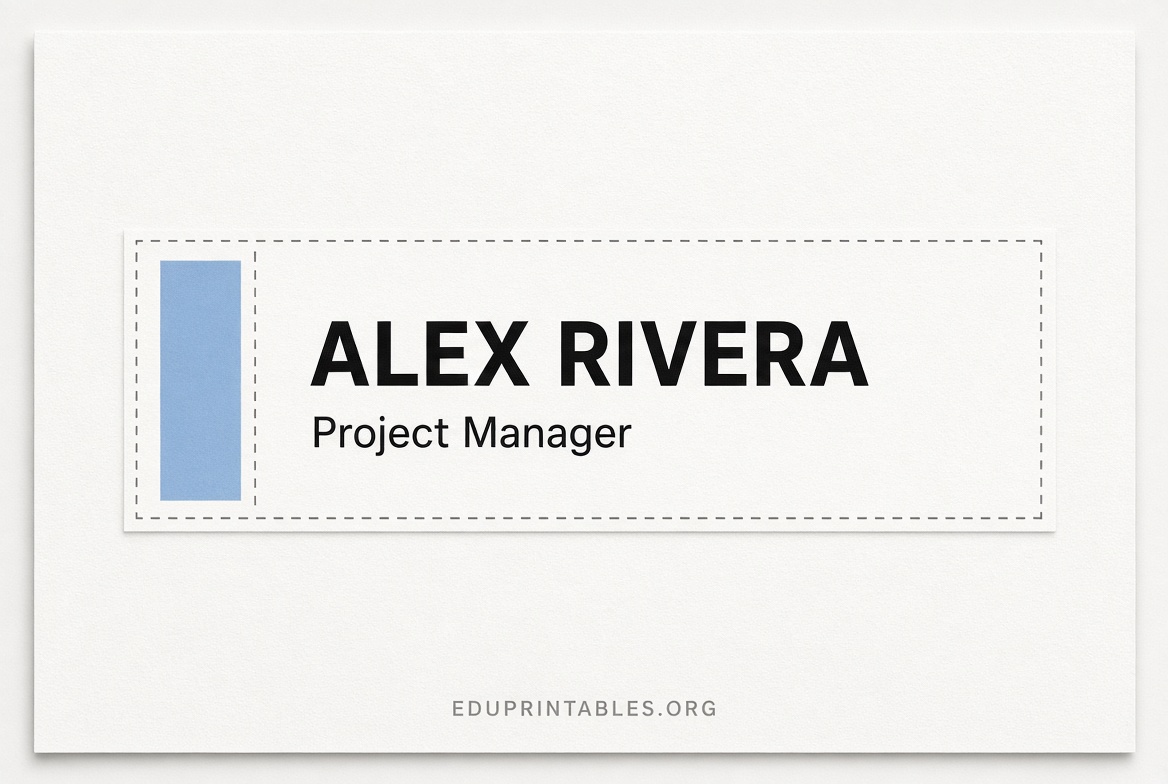
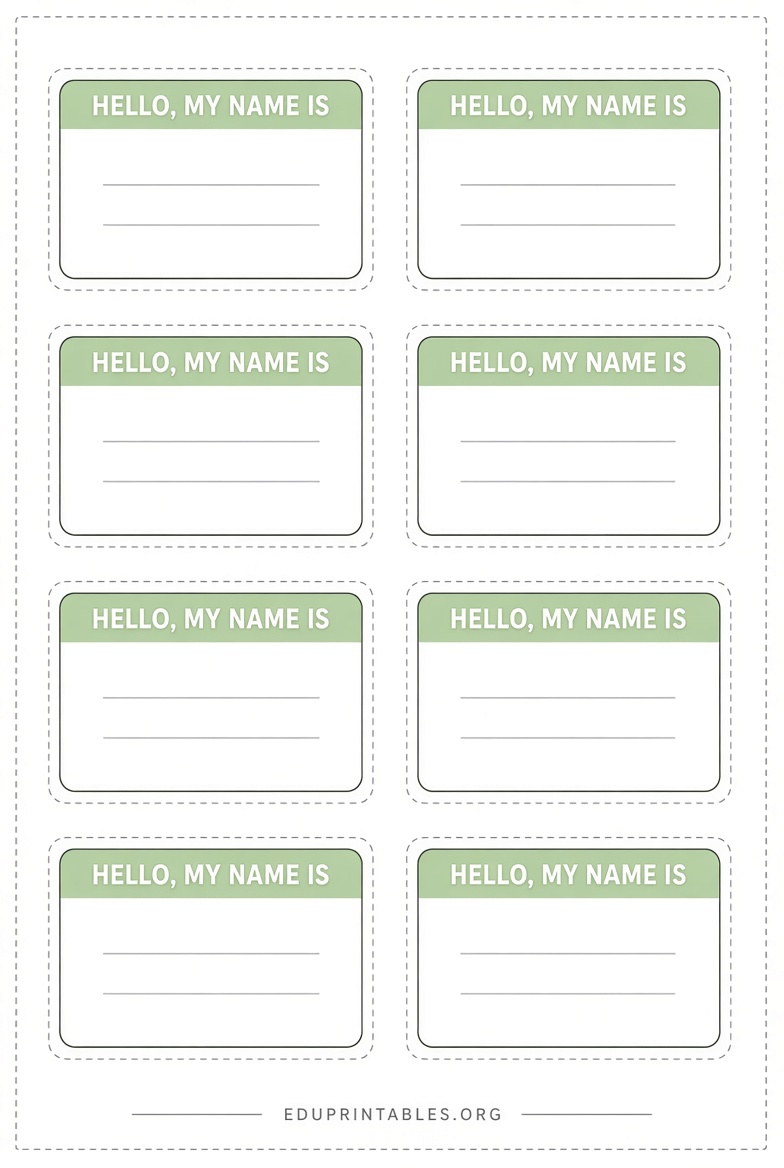
A free name plate template is a ready-made Microsoft Word document (.doc or .docx) laid out with spaces for names, titles, companies, or logos. Many are designed to print multiple plates or tags per page and work with popular label sheets (especially Avery products common in the US).
These templates save time compared to starting from a blank page. You simply open the file, replace the placeholder text, adjust fonts or colors if desired, and print.
Common uses include:
- Desk or office name plates
- Conference or meeting name badges
- Classroom or event name tags
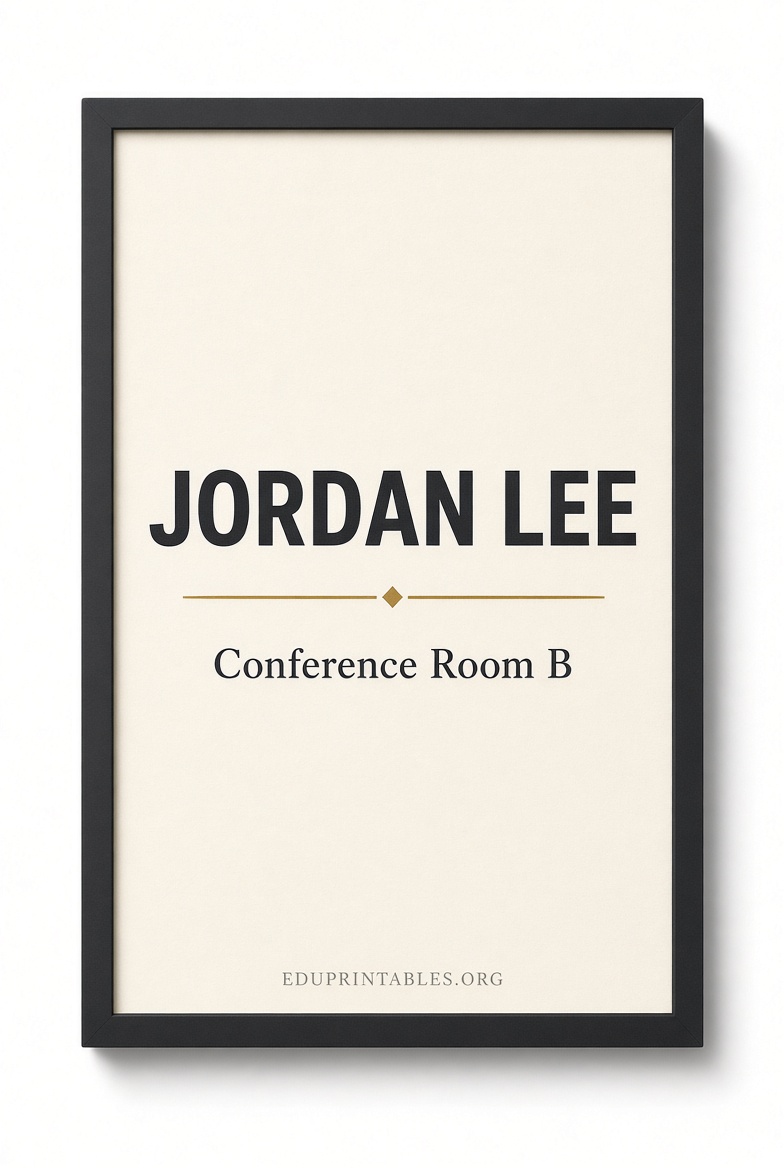
- Door or cubicle identification
Most free options are fully editable in Word and require no special software beyond Microsoft Word or a compatible program.
Where to Find Legitimate Free Name Plate Templates?
Stick to well-known, established sites that clearly offer free downloads without hidden fees or misleading claims. Here are some of the most reliable options for USA users.
Avery is one of the most trusted sources. They provide free Microsoft Word templates specifically sized for their popular name badge and name tag products. Visit their name tags and badges templates page to search by product number or browse designs, then download the matching Word file.
Avery also publishes a clear step-by-step guide on making name tags in Word, including how to download and use their free templates.
Microsoft Word itself includes some built-in name badge templates. Open Word, go to File > New, and search for “name badge” or “name tag.” You can also create custom layouts using the Mailings > Labels feature and select Avery or other standard sizes. A helpful overview of this process is available in this How-To Geek guide.
For additional free editable designs (many available directly in Word format), sites such as Shining Mom offer large collections of customizable name tag templates suitable for events, schools, and offices.
WordLayouts provides free printable name tag templates in Microsoft Word (along with other formats) designed for US Letter paper and various uses.
Always download from the official pages linked above. Avoid random file-sharing sites that may bundle malware or require paid upgrades for the actual template.
Free Name Plate Templates for Microsoft Word
How to Customize and Print Your Name Plate Template?
Once you have a free Word template:
- Open the file in Microsoft Word.
- Click Enable Editing if prompted.
- Replace sample text with names, titles, or other details.
- Adjust fonts, sizes, colors, or add a logo as needed. Keep text large and high-contrast for readability.
- Preview the layout and check margins.
- Print on US Letter paper or the matching Avery (or compatible) label sheets. Use the “Actual size” or “100%” print setting to avoid scaling issues.
For multiple unique names, consider using Word’s mail-merge feature with an Excel list of attendees.
Tip: Test-print one page on regular paper first to confirm alignment before using label stock.
Tips for Professional-Looking Results
- Choose clean, sans-serif fonts (such as Arial or Calibri) for maximum readability from a distance.
- Limit each plate or tag to the essentials: name, title or role, and optional company or event name.
- Match colors to your brand or event theme, but keep backgrounds light enough for dark text.
- For desk name plates, you can print on cardstock and insert into a holder, or adapt a badge template by resizing.
- Laminate finished plates if you need durability for repeated use.
Brief FAQ
Are these templates really free?
Yes. The sources listed provide free downloads of the Word files with no payment required for the templates themselves.
Do I need Avery products?
No. You can print on plain paper or cardstock and cut them out. Avery templates simply make alignment easier if you already have matching sheets.
Can I use the templates commercially?
Most free personal-use templates allow basic customization. Check the site’s terms if you plan large-scale commercial distribution.
What if Word doesn’t open the file?
Ensure you have a recent version of Microsoft Word or a compatible free alternative such as LibreOffice.
Free name plate templates for Word give you a fast, low-cost way to create polished identification materials. Start with the trusted Avery or Microsoft resources linked above, customize in a few minutes, and print exactly what you need.