Free Responsive MikroTik Hotspot Login Templates – Looking for a modern, mobile-friendly MikroTik hotspot login page template you can download for free? You’re in the right place. Many U.S. businesses, community networks, cafes, and small ISPs use MikroTik routers for captive portals. The default login page works, but a clean, responsive design looks more professional, builds trust, and works better on phones and tablets.
This guide explains what these templates are, why a responsive design matters, where to get legitimate free downloads, and how to install one safely.
What Is a MikroTik Hotspot Login Page Template?
MikroTik Hotspot is a captive portal feature built into RouterOS. When users connect to your Wi-Fi, they see a login page before gaining internet access. That page is made of simple HTML, CSS, and JavaScript files stored on the router (usually in a folder called “hotspot”).
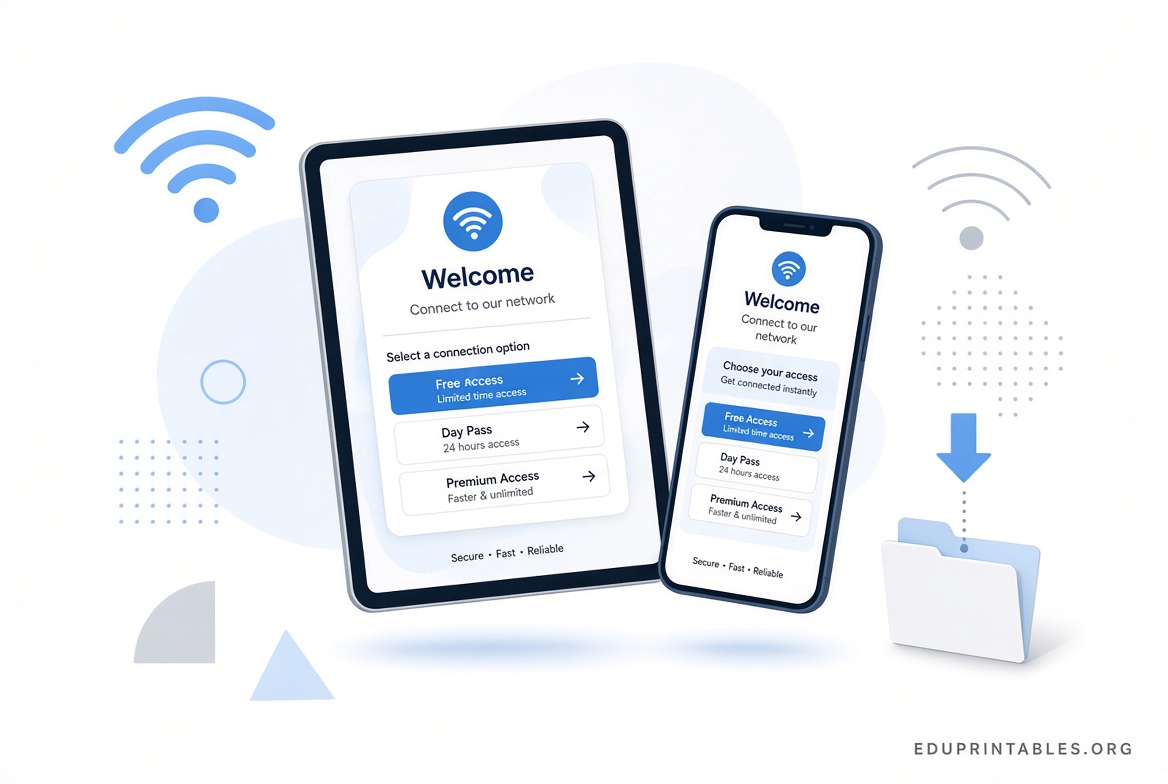
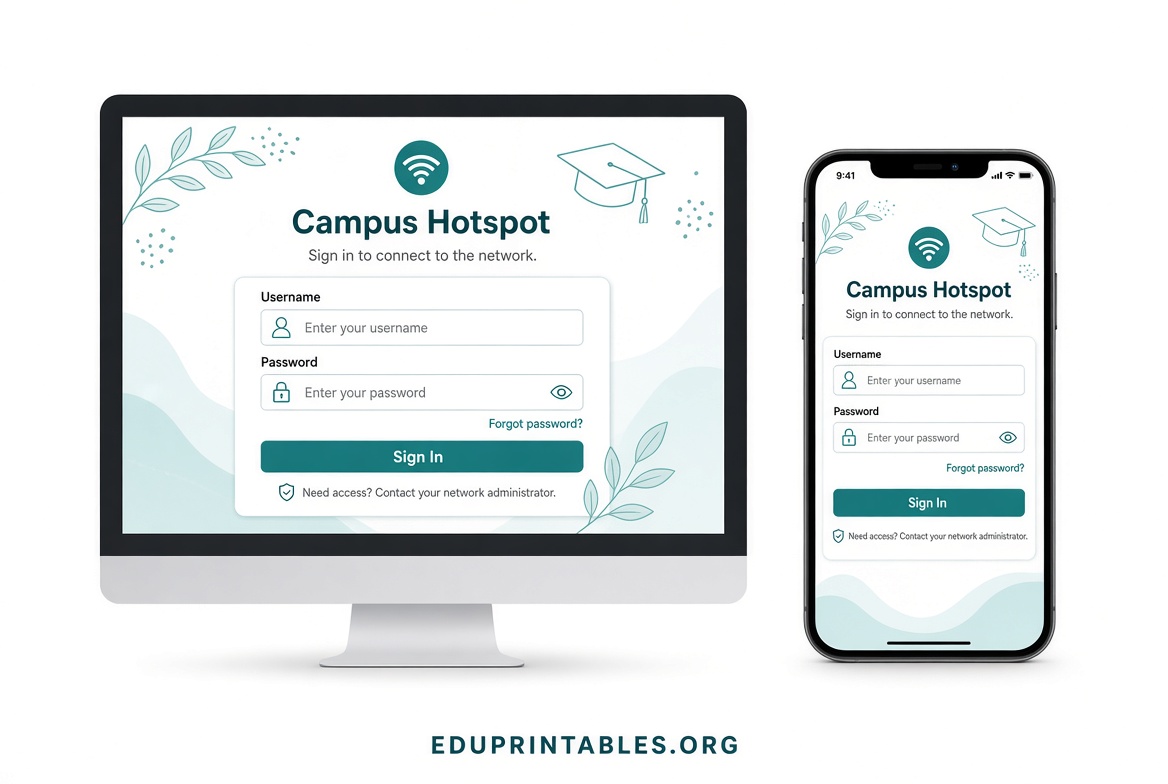
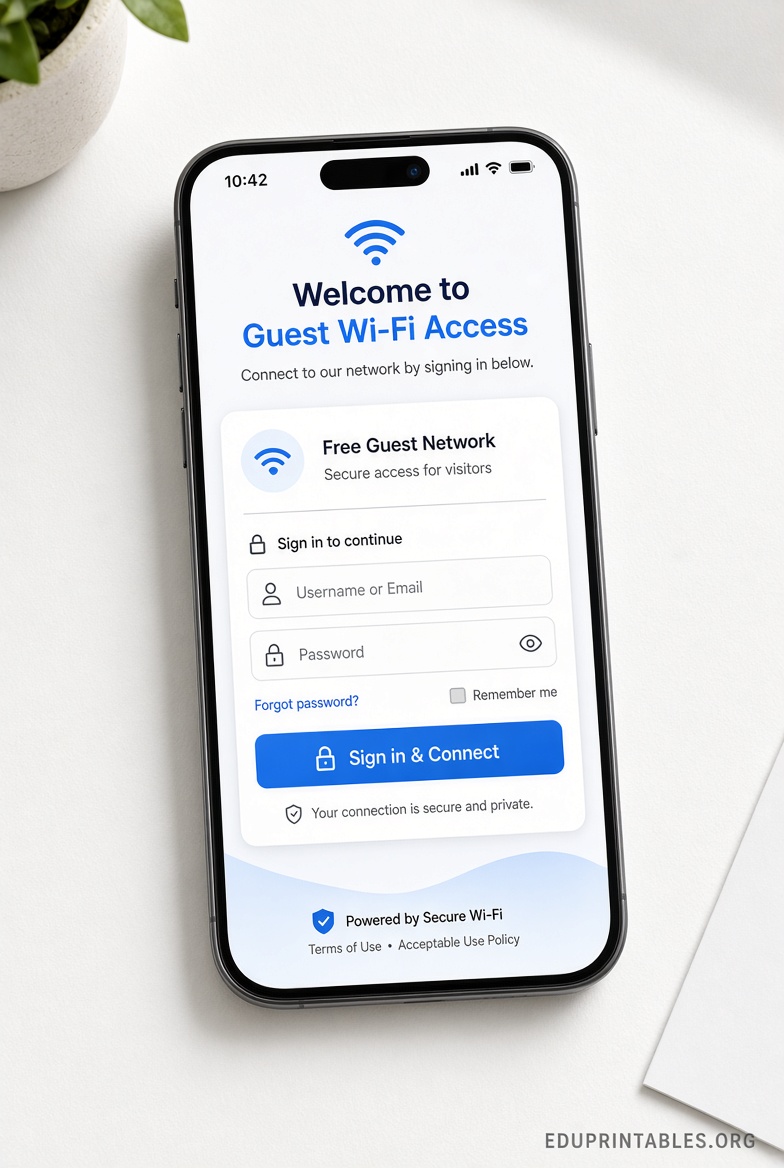
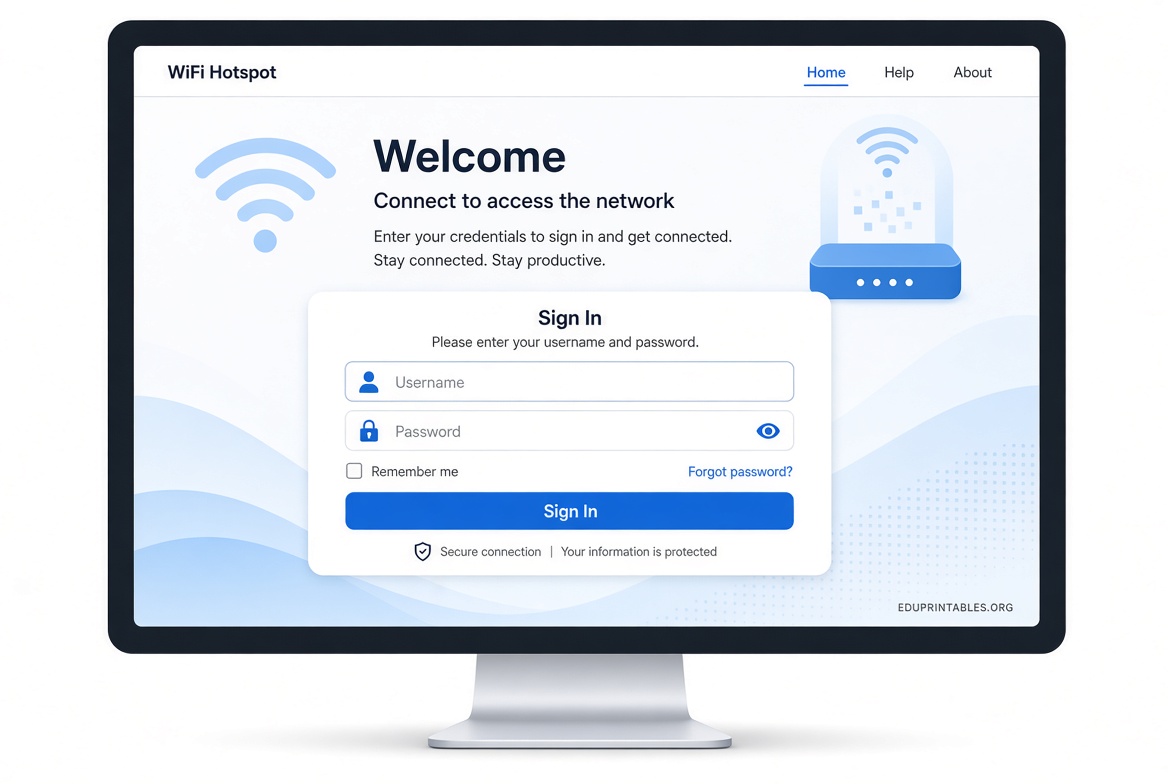
A template replaces the plain default pages with a better-looking, branded version. A responsive template automatically adjusts to different screen sizes so the login form looks good on smartphones, tablets, and desktops.
Most free templates include:
- login.html (main form)
- status.html, logout.html, error.html, and related pages
- CSS for styling
- Support for MikroTik variables such as $(username), $(link-login-only), and trial login options
Why Choose a Responsive Free Template?
Most people now connect from mobile devices. A non-responsive page can look broken, with tiny text or hard-to-tap buttons. A responsive template improves the user experience, reduces support questions, and helps your brand look current.
Free community templates on GitHub are popular because they are open-source, easy to download as a ZIP, and ready to customize with your logo and colors. Always download from trusted repositories and review the code before uploading it to your router.
Trusted Places to Download Free Responsive Templates
Here are well-known free responsive options. All are available as public GitHub repositories so you can download the ZIP directly.
One popular responsive Bootstrap-based template is available here:
https://github.com/wispcasts/mikrotik-hotspot-page
Another solid Bootstrap 4 responsive template:
https://github.com/teguhrianto/Responsive-Mikrotik-Template
For a more modern look built with Tailwind CSS:
https://github.com/nab-cat/mikrotik-hotspot-login
These repositories let you click “Code” → “Download ZIP.” Extract the files, customize them if needed, and upload them to your MikroTik.
For official guidance on how Hotspot pages work and which variables you can use, see MikroTik’s documentation:
https://help.mikrotik.com/docs/spaces/ROS/pages/87162881/Hotspot+customisation
Free Responsive MikroTik Hotspot Login Templates
How to Install a Custom Hotspot Login Template?
- Download and extract the template ZIP on your computer.
- Open Winbox (or WebFig) and connect to your MikroTik router.
- Go to the Files menu and upload the template folder (or its contents) to the router.
- Go to IP → Hotspot → Server Profiles.
- Open your active profile and set the HTML Directory (or html-directory-override) to the name of the folder you uploaded.
- Apply the changes and test by connecting a device to the Hotspot network.
Always keep a backup of the original hotspot files before replacing them. Test on a non-production profile first if possible.
Tips for Customizing Your Template
- Replace the logo image with your own (keep the same filename or update the HTML reference).
- Change colors and fonts in the CSS file to match your brand.
- Keep the MikroTik variables intact so login, trial access, and error messages continue to work.
- Optimize images so the page loads quickly, even on slower connections.
- Test on both Android and iOS devices plus a desktop browser.
FAQ
Are these templates really free?
Yes. The GitHub repositories listed above are public and free to download and use. Check each repo’s license (most are permissive) and follow any attribution notes.
Will a custom template work with the latest RouterOS?
Most well-maintained templates work with current RouterOS versions because they use standard Hotspot HTML variables. Always test after a RouterOS upgrade.
Can I use these for commercial Wi-Fi?
Yes, as long as the license allows it and you customize the branding. Many small U.S. businesses and community networks do exactly that.
What if the page looks broken after upload?
Double-check the folder name in the Server Profile, clear the browser cache on test devices, and confirm all required files (login.html, CSS, images, md5.js if used) were uploaded.
A clean, responsive MikroTik hotspot login page makes a strong first impression and is easy to achieve with free templates. Download one of the trusted options above, customize it for your network, and give your users a better experience.