Free Binder Spine Template Printables – Looking for a free binder spine template to organize your files, schoolwork, or office documents? A well-labeled binder spine makes it easy to identify contents at a glance when binders sit on a shelf. This resource page explains what binder spine templates are, common sizes used in the USA, and where to find legitimate free printable options you can customize and print at home.
What Is a Binder Spine Template?
A binder spine template is a printable insert or label designed to fit the narrow clear pocket on the spine of a view binder (also called a presentation binder). These templates typically come in standard widths matching common USA binder ring sizes. You type or design your title, print on regular paper or cardstock, cut to size, and slide the strip into the spine pocket.
Many free binder spine templates are editable online or as downloadable PDFs and Word files. They work especially well for teachers, students, homeschool families, and office workers who want a clean, professional look without buying pre-printed labels.
Common Binder Spine Sizes in the USA
Most standard three-ring binders in the United States use these spine widths:
- ½ inch
- 1 inch
- 1½ inch
- 2 inch
- 3 inch
Measure the clear pocket on your binder before printing. Templates are usually formatted for US Letter paper (8.5 x 11 inches). Print at 100% scale with no “fit to page” option to keep measurements accurate.
Best Places to Get Free Binder Spine Templates
Here are reliable, current sources for free printable or customizable binder spine templates. All offer genuine free options without requiring payment for the basic templates.
Avery Design & Print Online
Avery provides free blank and pre-designed templates that match their printable binder spine inserts (product numbers such as 89101 for ½”, 89103 for 1″, 89107 for 2″, and 89109 for 3″). You can customize text, colors, and images directly in their free online tool or download blank templates for Microsoft Word. Visit their guide and template finder at Avery’s binder spine inserts guide.
101 Planners Free Customizable Templates
This site offers free online editable binder spine templates in 1-inch, 2-inch, and 3-inch widths. Choose a design, change colors and text right in the browser, then print. Multiple spines fit on one page. Access them at 101planners.com binder spine template.
Maple Planners Editable PDFs
Download free printable binder spine templates in five sizes (1″, 1.5″, 2″, 3″, and 4″). These are designed for US Letter paper and can be edited with a PDF editor. Find the download at Maple Planners editable binder spines.
These sources prioritize free access and standard US sizes. Always confirm the current free status on the page, as offerings can change.
Free Binder Spine Template Printables
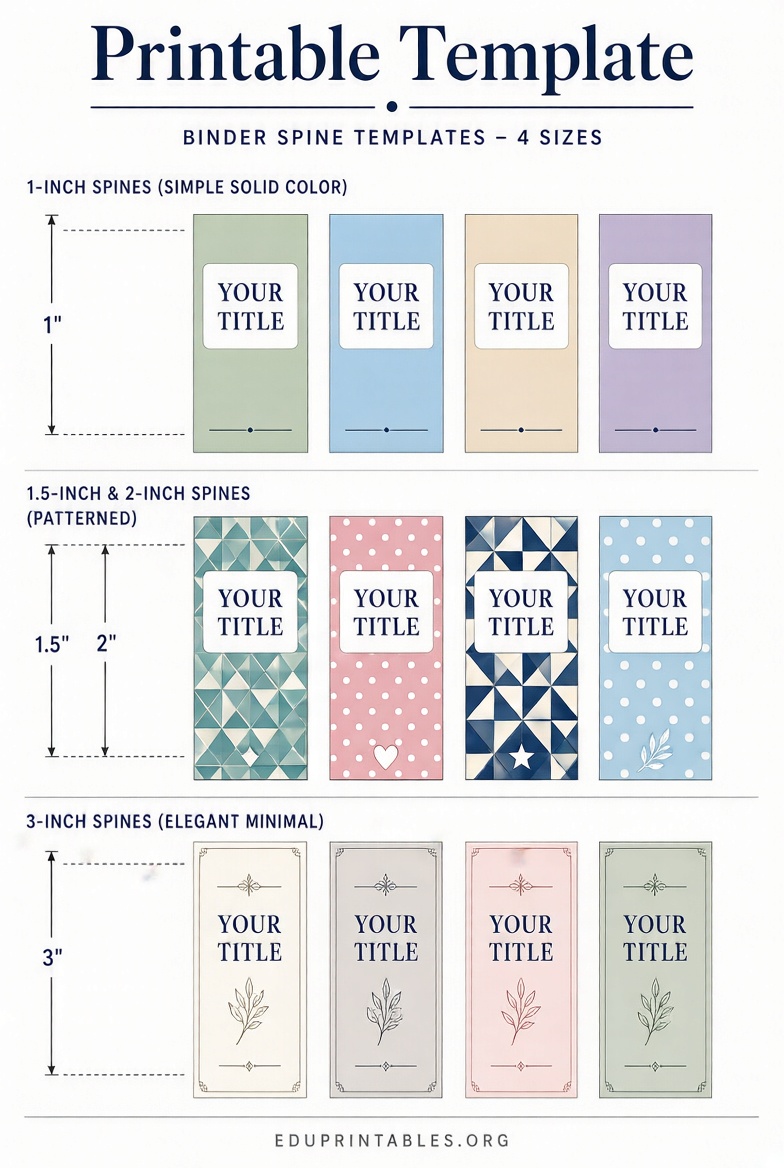
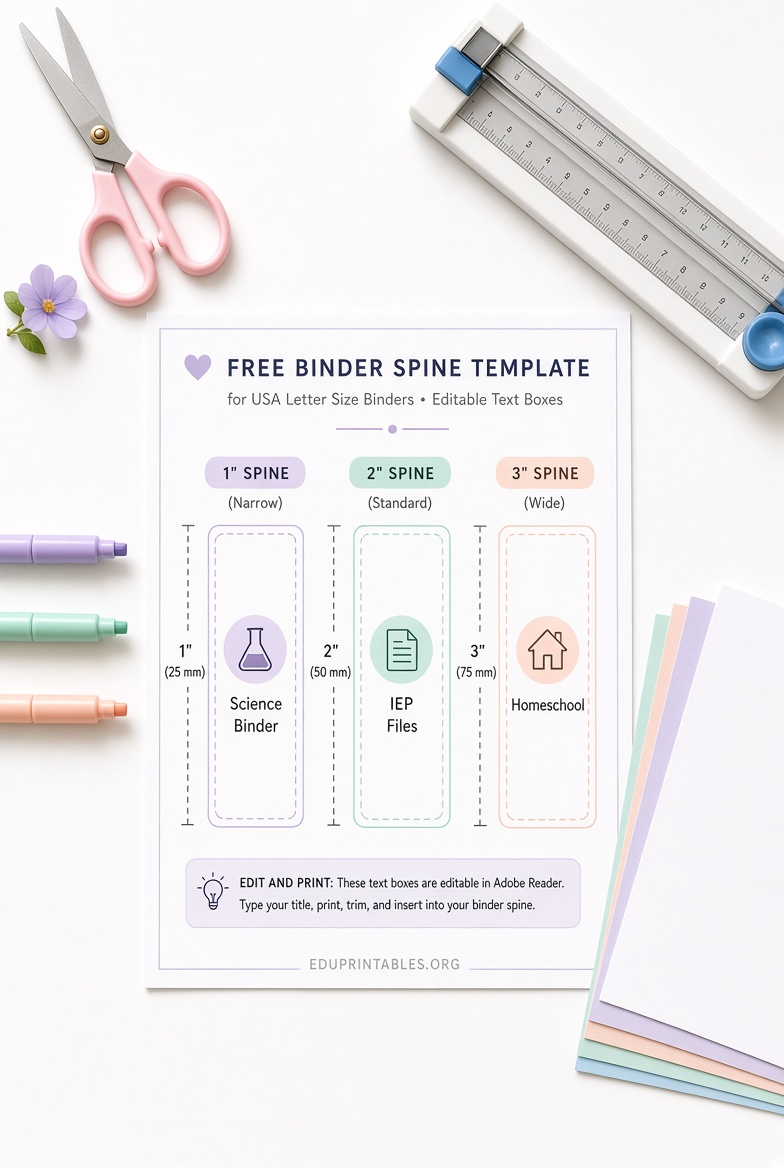
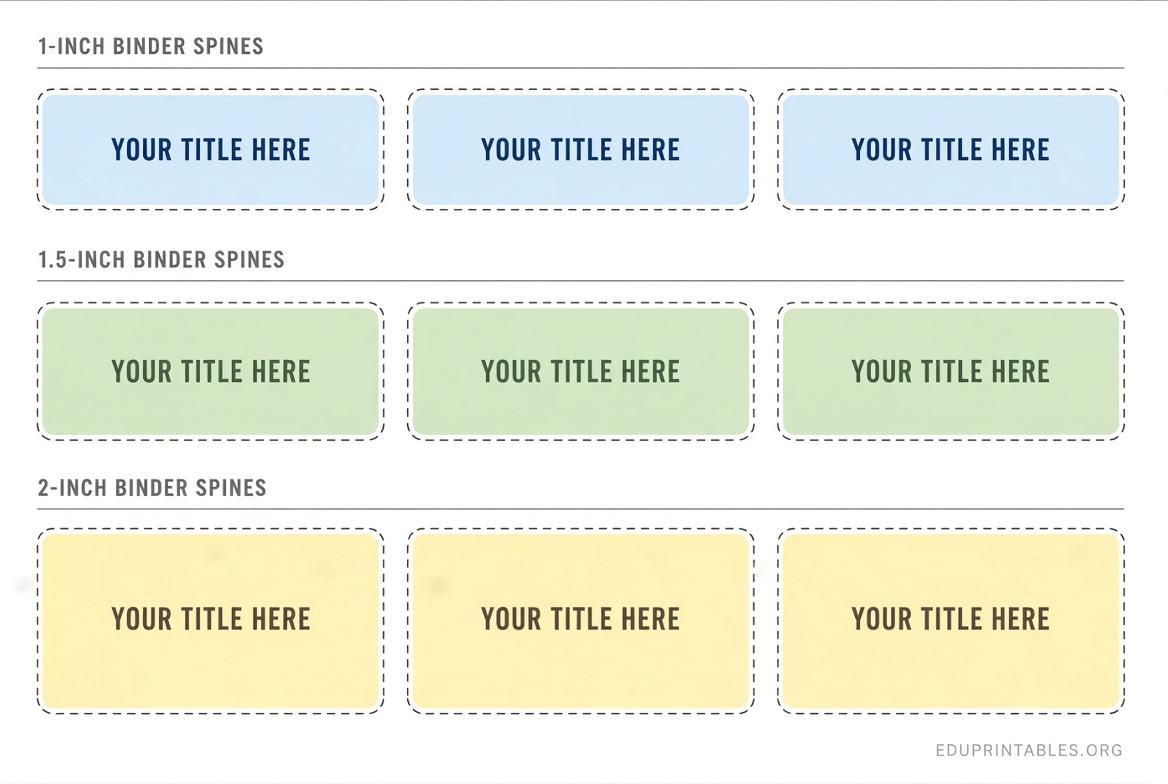
How to Print and Use Your Free Binder Spine Template?
- Measure your binder’s spine pocket width.
- Select a matching free binder spine template.
- Customize the text (title, subject, year, or name). Keep font size readable when the binder stands upright.
- Print on cardstock or heavy paper for durability and easier insertion. Regular printer paper works in a pinch.
- Cut carefully along the guidelines using a paper cutter or sharp scissors for straight edges.
- Slide the finished strip into the clear spine pocket. Open the binder rings slightly if needed for smoother insertion.
Tip: Print a test page on plain paper first and hold it against your binder to check fit before using cardstock.
Tips for Better Binder Organization
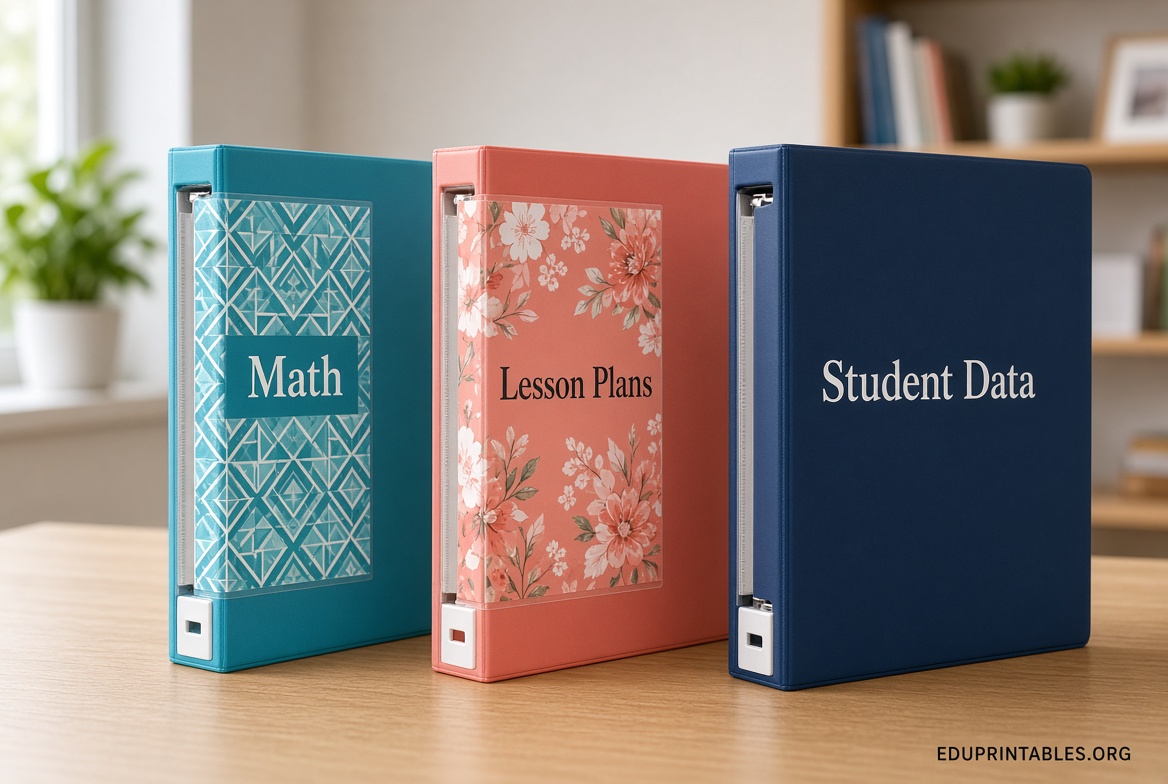
Coordinate your free binder spine template with matching binder covers for a polished set. Use consistent fonts and colors across related binders. For non-view binders without a clear pocket, print on sticker paper or attach the label with clear packing tape.
Cardstock inserts last longer and resist bending. Store extra printed spines in a folder so you can quickly relabel binders when contents change.
Brief FAQ
Do I need special software?
No. Many free options work in a web browser or as simple PDFs. Avery and 101 Planners let you edit online.
Can I use these with any brand of binder?
Yes, as long as the width matches. Avery inserts fit their own binders best but work in most standard view binders of the same size.
What paper should I use?
Cardstock or heavyweight paper is ideal. Regular copy paper is fine for temporary labels.
Are these templates really free?
The sources listed above provide free customization or downloads for the basic templates. Always check the page for any account or login requirements.
A free binder spine template is one of the simplest ways to keep your binders organized and professional-looking. Start with one of the trusted links above, customize a design that fits your needs, and print a few to try. You’ll quickly see how much easier it becomes to find the right binder every time.