Free Printable Bus Seating Chart Templates – A free printable bus seating chart is a simple template that shows the layout of seats on a bus so you can assign names, track attendance, and keep order. These charts are especially useful for school bus drivers, teachers, transportation staff, and organizers of field trips or group tours across the United States.
Most charts include labeled rows, an aisle, the driver’s seat, doors, and emergency exits. You fill in student or passenger names by hand or digitally, then print the finished version. Having a clear seating plan supports safety, reduces behavior issues, speeds up boarding, and provides a quick reference during emergencies or for district records.
Why Use a Bus Seating Chart?
School buses in the U.S. commonly follow Type A (smaller), Type B, Type C (the classic yellow bus with around 72 seats), or Type D layouts. Assigned seating helps drivers know exactly who sits where, makes it easier to enforce rules, accommodates students with special needs, and creates documentation that many school districts require.
Charter bus operators and tour groups use the same style of chart to manage larger groups efficiently. A printable version means you can post a copy on the bus, share it with chaperones, or keep it in a binder without relying on a phone or tablet.
Where to Get Free Printable Bus Seating Charts?
Here are legitimate, currently available free resources.
- The Bus Buddy offers a free online interactive seating chart built specifically for school buses. Choose from common U.S. bus types (Type A 30 seats, B 42, C 72, or D 84), assign students by name/grade/gender, manage multiple routes, and export printable PDF or CSV rosters plus seat labels. Created by a school bus driver: https://thebusbuddy.com/.
- Dexform provides a straightforward free bus seating chart available as both Word (.doc) and PDF downloads. It shows a full layout with numbered seats, aisle, driver area, and space for driver name, bus number, and administrator signature: https://www.dexform.com/download/bus-seating-chart.
- AllBusinessTemplates has free customizable Microsoft Word bus seating chart templates. Download, edit the rows and seat labels to match your bus, fill in names, and print: https://www.allbusinesstemplates.com/template/PEB2Y/bus-seating-chart/.
- TemplateRoller offers free fillable PDF bus seating chart templates (including big-table and yellow-bus styles). Fill them out online or download and print without registration: https://www.templateroller.com/template/120337/bus-seating-chart-template.html.
These sources provide genuine free downloads or tools. Always verify the exact layout matches your bus’s capacity and seating policy (two or three students per seat) before finalizing.
Free Printable Bus Seating Chart Templates
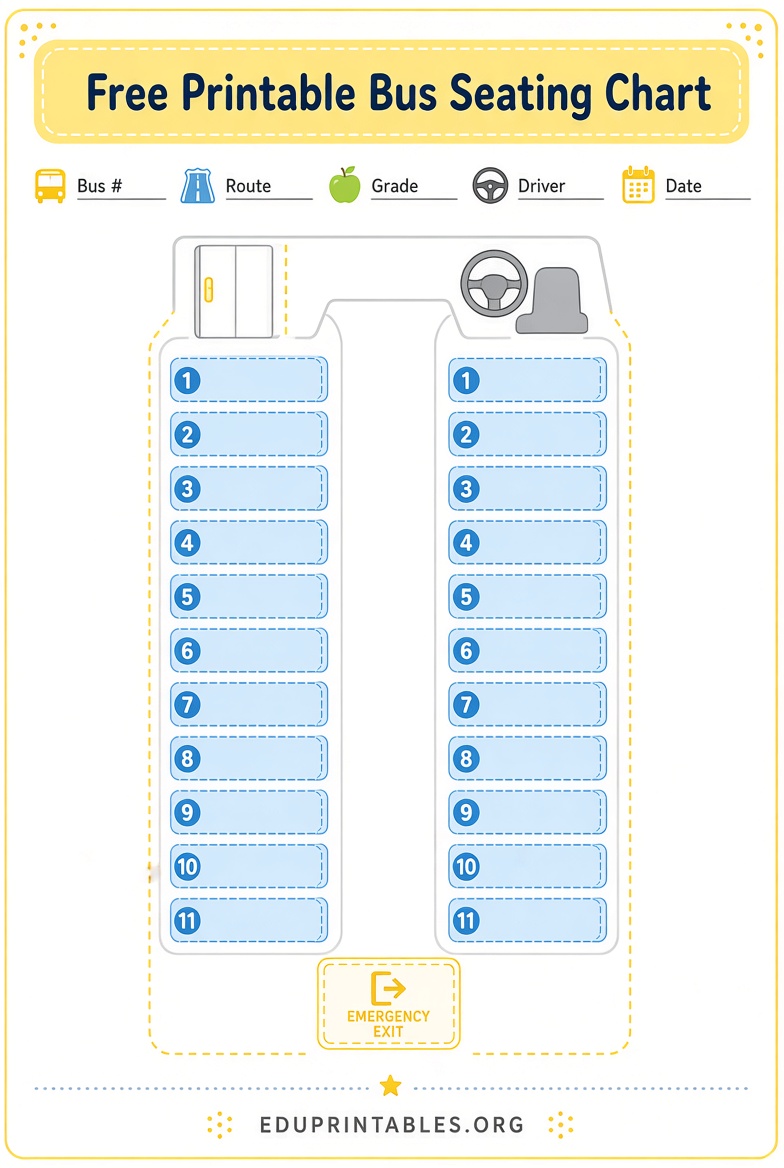
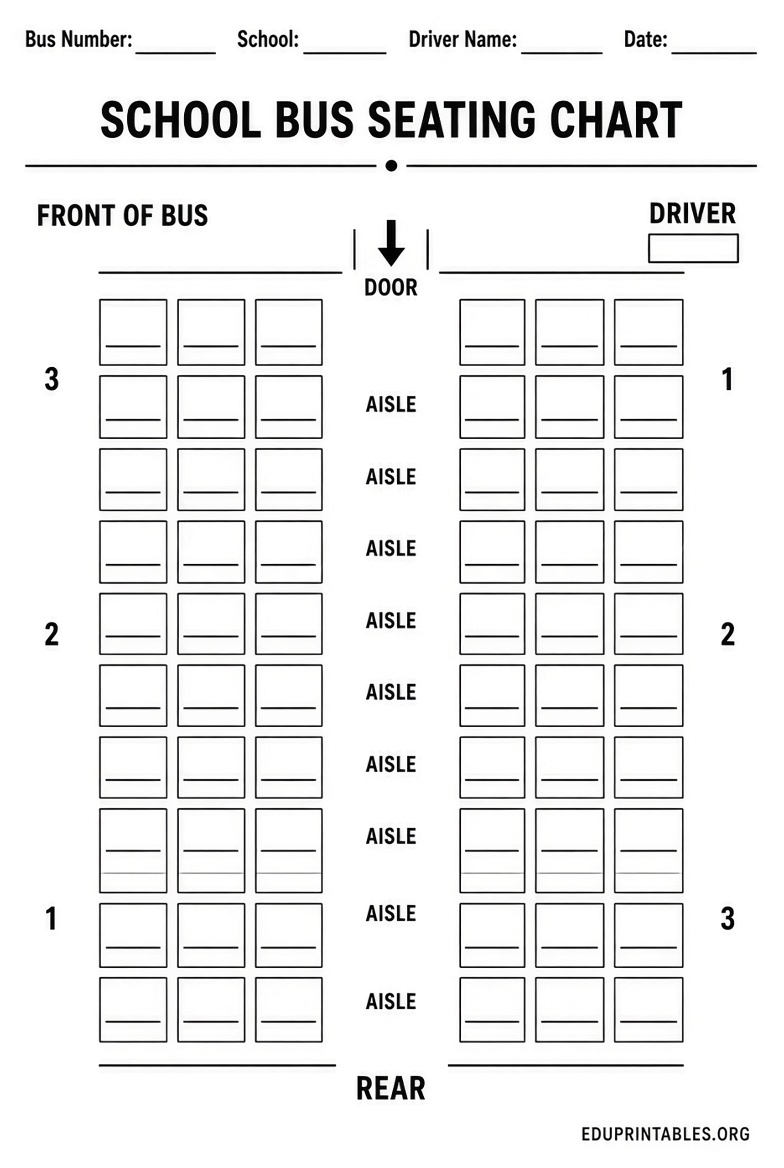
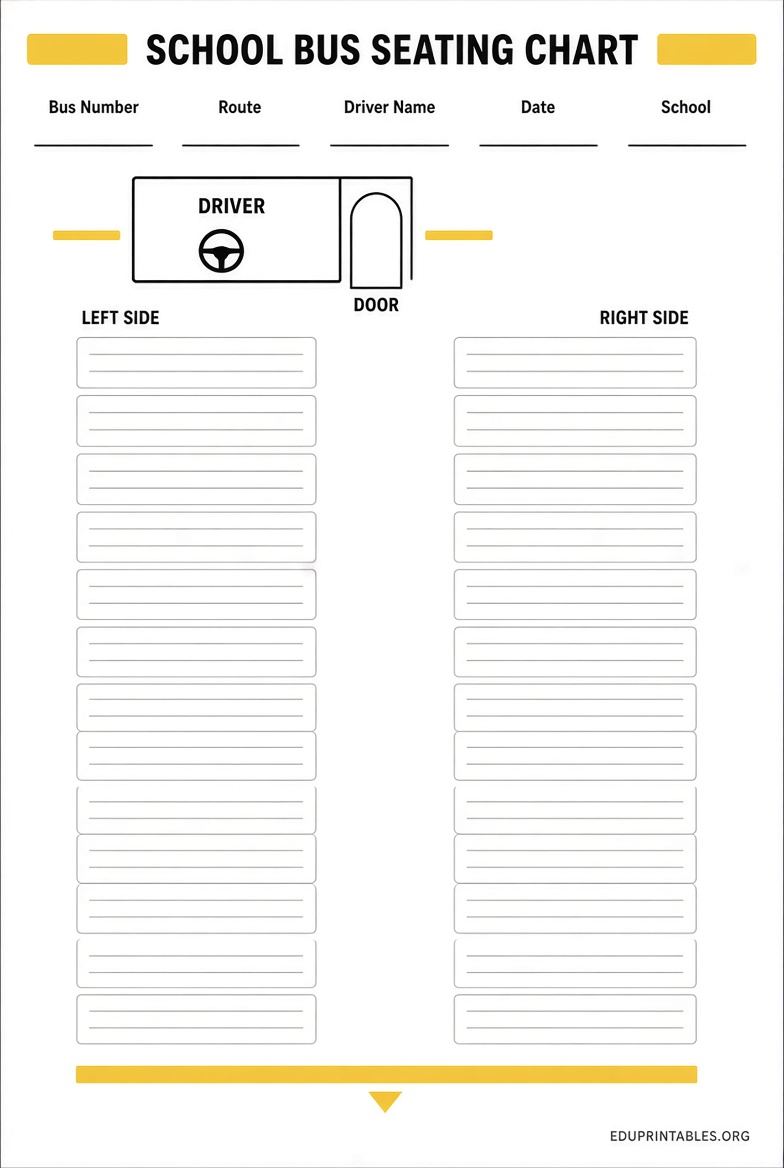
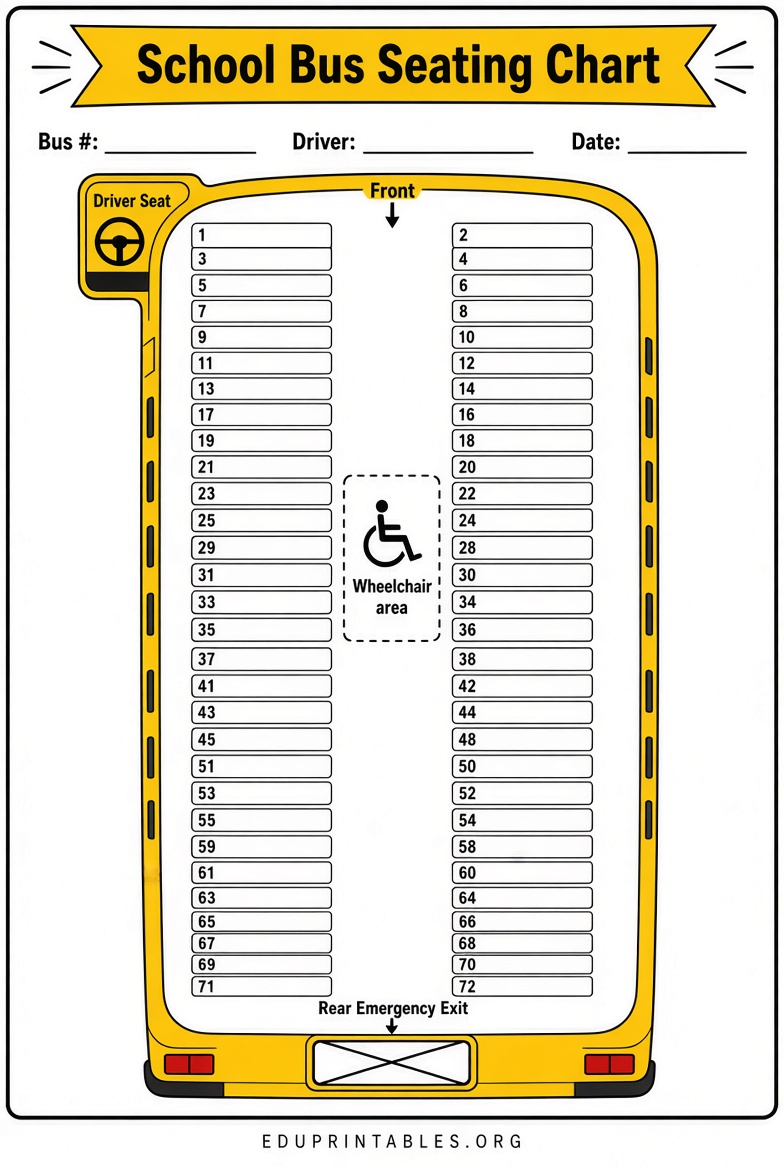
How to Use a Free Printable Bus Seating Chart
- Choose a template that matches your bus size and seat configuration.
- Print a blank copy or open the digital file.
- Label seats clearly (window, middle, aisle) and note special features such as the wheelchair lift or emergency exits.
- Assign students or passengers—consider age, behavior, special needs, and any district guidelines.
- Add header information: bus number, route, driver name, date, and school or group.
- Print multiple copies—one for the driver, one for the school office, and extras for substitutes or chaperones.
- Update the chart as needed throughout the year and keep a digital backup.
For daily school routes, laminate a blank chart or use a dry-erase sleeve so you can make temporary changes without reprinting.
Tips for School Bus Drivers and Staff
Keep the chart simple and legible from a distance. Include a small notes section for behavior observations or temporary seat changes. Share a copy with school administrators so everyone has the same information. When planning field trips, create a separate chart for that day and list chaperones or adult supervisors.
Many districts require seating charts as part of safety or emergency-response documentation. Having a current free printable version ready saves time during inspections or incidents.
Brief FAQ
What size paper works best?
Standard U.S. Letter (8.5 x 11 inches) fits most templates and home or school printers.
Can I edit the free templates?
Word and many PDF versions are editable. Interactive tools like The Bus Buddy let you assign seats digitally before printing.
Are these charts suitable for charter or tour buses?
Yes. The same blank layouts work for any bus; simply adjust the number of rows and seats to match the vehicle.
Do I need special software?
Most free PDFs open in any browser or free PDF reader. Word templates open in Microsoft Word or compatible free software.
A free printable bus seating chart is a practical, low-cost tool that improves organization and safety on every ride. Download one of the resources above, customize it for your bus, and keep a current copy on hand.