Free Printable Jukebox Label Templates – Looking for a free printable jukebox label template? These title strips (also called jukebox labels or title cards) display the artist and song information for records or CDs in classic jukeboxes. Whether you own a vintage Wurlitzer, Seeburg, Rock-Ola, or a modern CD jukebox, printable templates let you create clean, professional-looking labels at home.
This guide explains what jukebox label templates are and points you to trusted free resources where you can download or generate them yourself. All links below lead to third-party websites that offer free printable jukebox label templates or online tools—none of these printables were created by this site.
What Are Free Printable Jukebox Label Templates?
Jukebox label templates are pre-sized sheets designed to fit the title strip slots in most jukeboxes. Standard sizes are typically around 1 inch by 3 inches per label, printed on letter-size paper that you cut apart after printing.
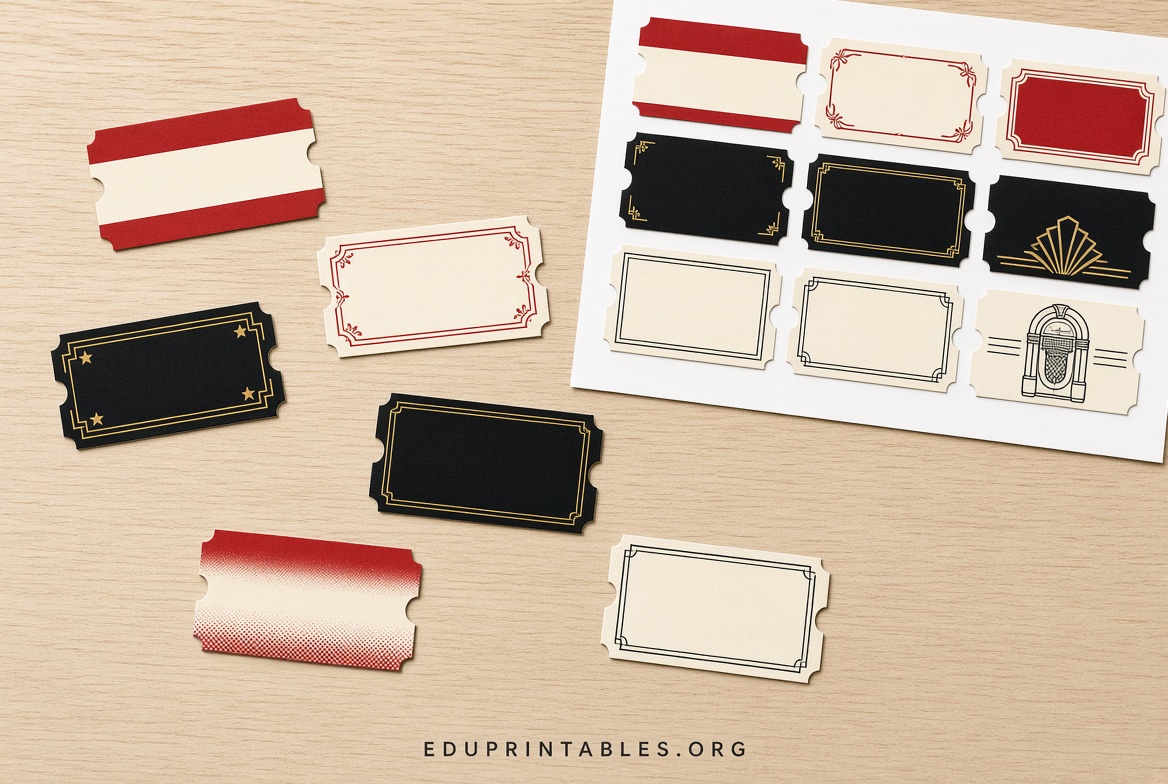
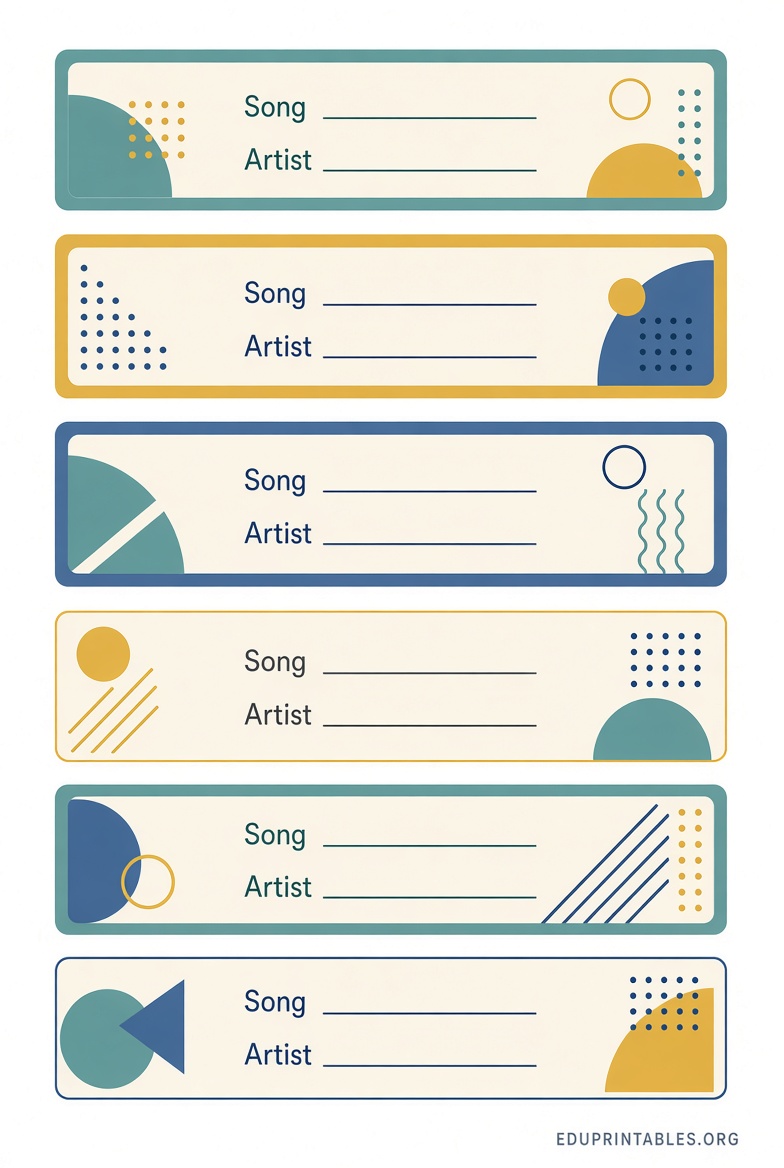
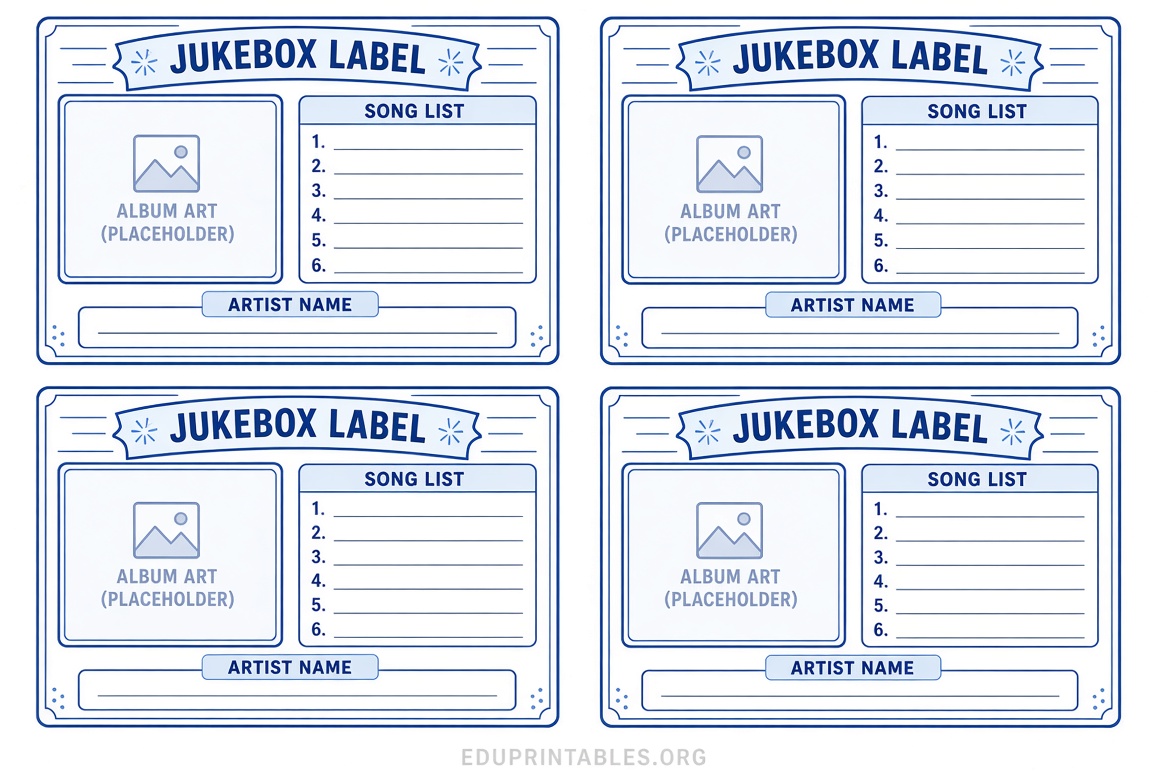
Common styles include classic red-and-white strips for 45 RPM records, versions for 78s, and larger formats for CD jukeboxes. Many free printable jukebox label templates are fillable PDFs or browser-based creators so you can type in song titles and artists without design software.
Best Places to Get Free Printable Jukebox Label Templates
Here are reliable, current sources that provide free downloadable or online jukebox title strip tools. These are independent third-party resources.
- Jukebox Tools (jukebox.tools) — A modern free browser-based title strip creator that works for 45s, 78s, and CD jukeboxes. You can choose designs, enter your songs, and export a printable PDF with cut lines. Free to start with no software install required. Visit: Free Jukebox Title Strip Creator
- Pinball Rebel — Offers a free online title strip maker plus downloadable Word documents and image files (BMP/JPG) in classic styles for both vinyl and CD jukeboxes. These are simple free printable jukebox label templates you can edit or print directly. See the collection: Free Jukebox Title Strip Templates
- CD Adapter — Provides free fillable PDF forms in several color schemes. Download the PDF, click the fields, type artist and song names (plus optional genre), then print. Ideal for quick free printable jukebox labels. Get them here: Free Fill-In Title Strip Forms
- Mike’s Arcade — A free online jukebox title strip creator specifically for 45 RPM and 33 1/3 records. Enter your track information, select colors and fonts, and generate a ready-to-print PDF. Access it at: Jukebox Title Strip Creator
Free Printable Jukebox Label Templates
How to Use a Free Printable Jukebox Label Template?
Using these free templates is straightforward:
- Choose a source above that matches your jukebox type (45 RPM vinyl or CD).
- Enter your artist and song titles (most tools support A-side and B-side).
- Select a color scheme or style if options are available.
- Download the PDF or print directly from the online tool.
- Print on regular paper or card stock, then carefully cut the individual strips.
- Insert the finished labels into your jukebox title strip holders.
For the best results with free printable jukebox label templates, always print at “Actual Size” or 100% scale—do not use “Fit to Page.”
Practical Printing Tips for Jukebox Labels
These tips help your free printable jukebox labels look professional and last longer:
- Use heavier paper such as 65 lb card stock for durability, especially if you change records often.
- Test-print one page first to confirm the size fits your specific jukebox model.
- A paper cutter or sharp scissors and a metal ruler give the cleanest edges.
- Store digital copies of your filled templates so you can reprint replacements easily.
- For outdoor or high-use jukeboxes, consider laminating the strips after printing.
Frequently Asked Questions
Are free printable jukebox label templates really free?
Yes. The resources linked above provide free downloads or free online generators with no purchase required for basic use.
What size are standard jukebox title strips?
Most classic vinyl jukeboxes use labels approximately 1″ high by 3″ wide. CD jukeboxes sometimes use slightly different dimensions. Always check your machine or test a sample print.
Can I use these templates for both vinyl and CD jukeboxes?
Many free printable jukebox label templates offer versions for both. Jukebox Tools and Pinball Rebel specifically support CD formats as well as traditional 45s and 78s.
Do I need special software?
No. Most options work in any web browser or with free Adobe Reader for fillable PDFs. A few image-based templates can be edited in free tools like Paint or GIMP if desired.
With these free printable jukebox label template resources, you can quickly refresh the look of your jukebox and keep your song selection clear and attractive. Start with one of the links above, print a test sheet, and enjoy your personalized title strips.