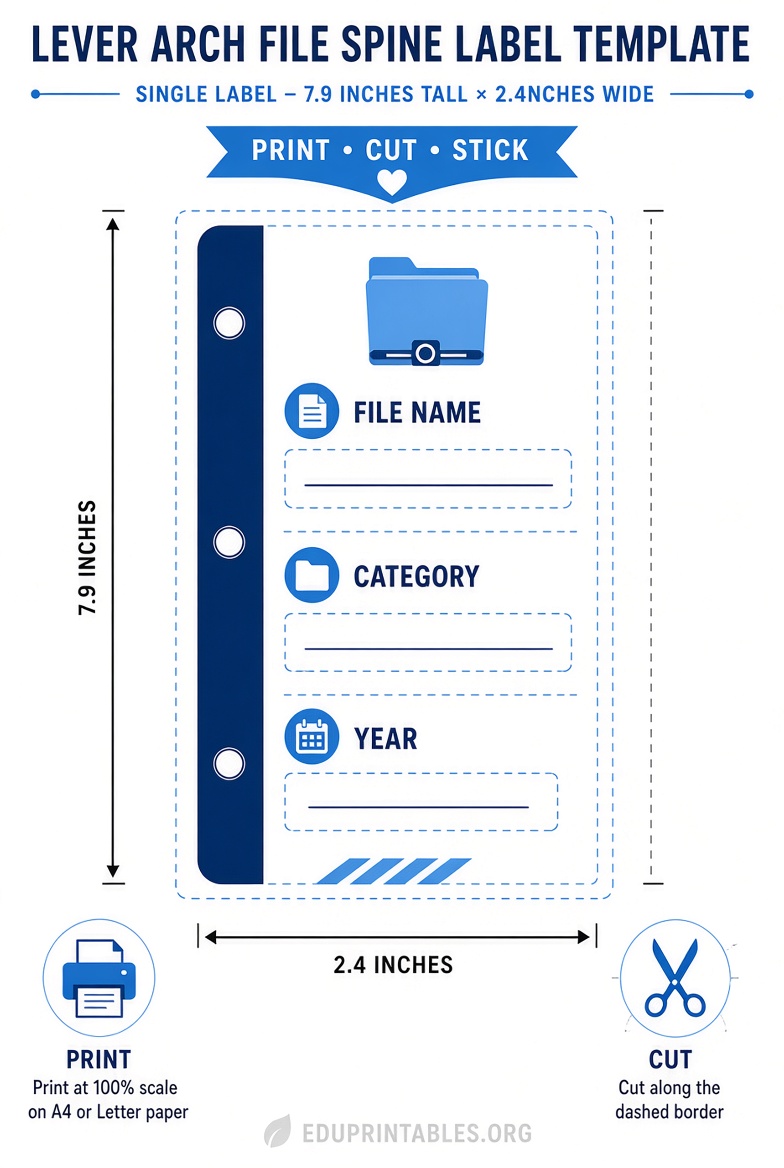
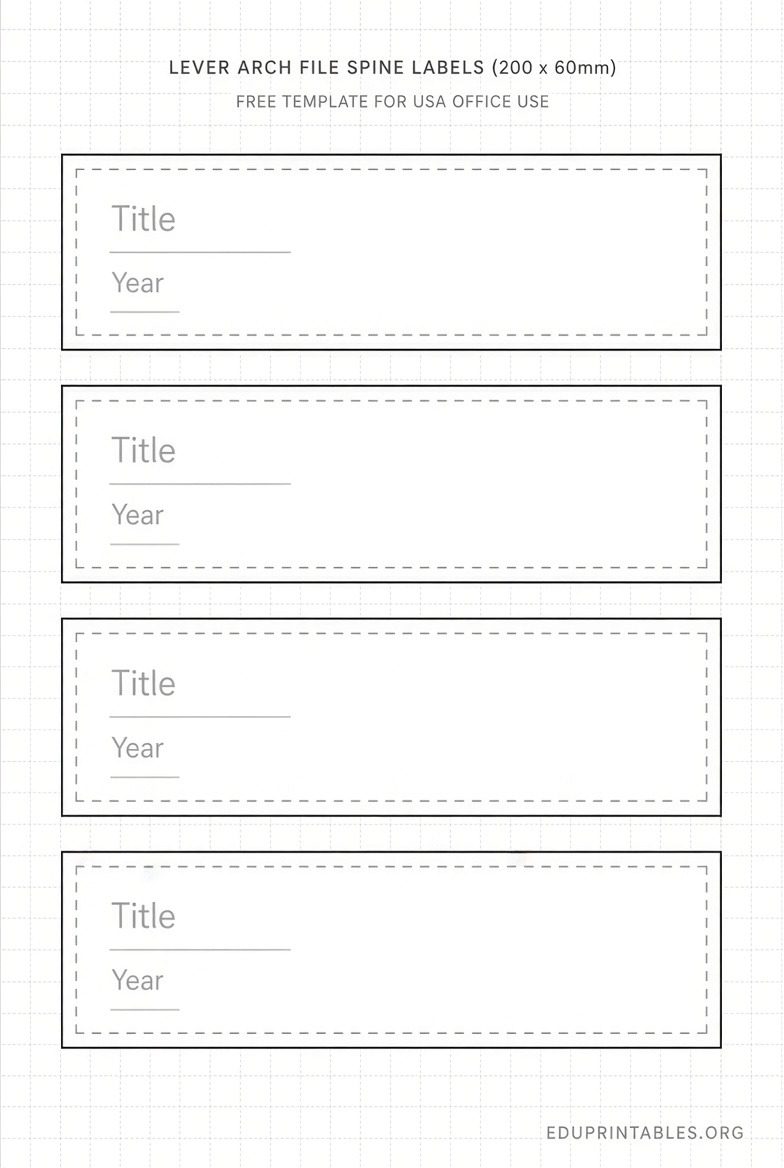
Free Printable Lever Arch File Label Templates – Lever arch file label templates help you organize documents quickly and professionally. These long, narrow spine labels fit the back of lever arch binders (also called lever arch files or folders). Common sizes are about 200 x 60 mm or 192 x 61 mm, usually four labels per A4 sheet. They work well for offices, home filing, schools, and archives across the USA, where lever arch files are readily available online and in office-supply stores.
A good downloadable free printable lever arch file label template lets you type or design clear titles, dates, categories, or color codes, then print on compatible label sheets or plain paper that you cut to size. This approach saves money, reuses old files by covering previous labels, and keeps shelves neat and searchable.
Why Use Printable Lever Arch File Labels?
Handwritten labels fade or look inconsistent. Printed ones stay crisp, match your branding or color system, and make retrieval faster. Opaque “block-out” styles hide old writing so you can recycle binders instead of buying new ones. For USA users, many templates print on standard inkjet or laser printers. Measure your binder spine first—widths vary between narrow (around 50–60 mm) and wide (70–80 mm) models—so the label fits the pocket or adhesive area properly.
Related terms people search include free lever arch spine labels, printable binder spine templates, A4 lever arch label download, and Avery-compatible filing labels.
Where to Get Legitimate Free Printable Templates?
Focus on trusted, current sources that provide actual free downloads or online editors. Avoid random sites that may require payment or deliver low-quality files.
One convenient free option is OpenLabelMaker. It offers a browser-based editor with no sign-up required. You can design lever arch spine labels in the exact common sizes (192 × 61 mm or 200 × 60 mm, four per A4 sheet), choose fonts and colors, and print single labels or full sheets. Open the free editor and select the lever arch layouts here: OpenLabelMaker file-folder labels page. Direct size links are also available on that site for L7170-style and L7171-style sheets.
Avery provides official free templates for its popular L7171 lever-arch filing labels (200 × 60 mm, four per A4 sheet). You can use the free online Design & Print tool or download a blank Microsoft Word template with the correct grid. Access the L7171 templates and Word download here: Avery L7171 templates. Avery’s general Design & Print Online tool (available via Avery.com) also supports many filing and spine-label projects and works well for USA users who adapt A4 designs or print on Letter paper and trim.
These resources stay free for personal and most business use. Always check the site’s current terms. If you already own Avery or compatible blank sheets, match the product code for perfect alignment. For non-Avery paper, create a simple table in Word or Google Docs sized to your measured spine and print on full sheets, then cut carefully.
Free Printable Lever Arch File Label Templates

How to Download, Customize, and Print?
- Measure the spine height and width of your lever arch file, including any clear label pocket.
- Choose a free template that matches (or is close to) those dimensions.
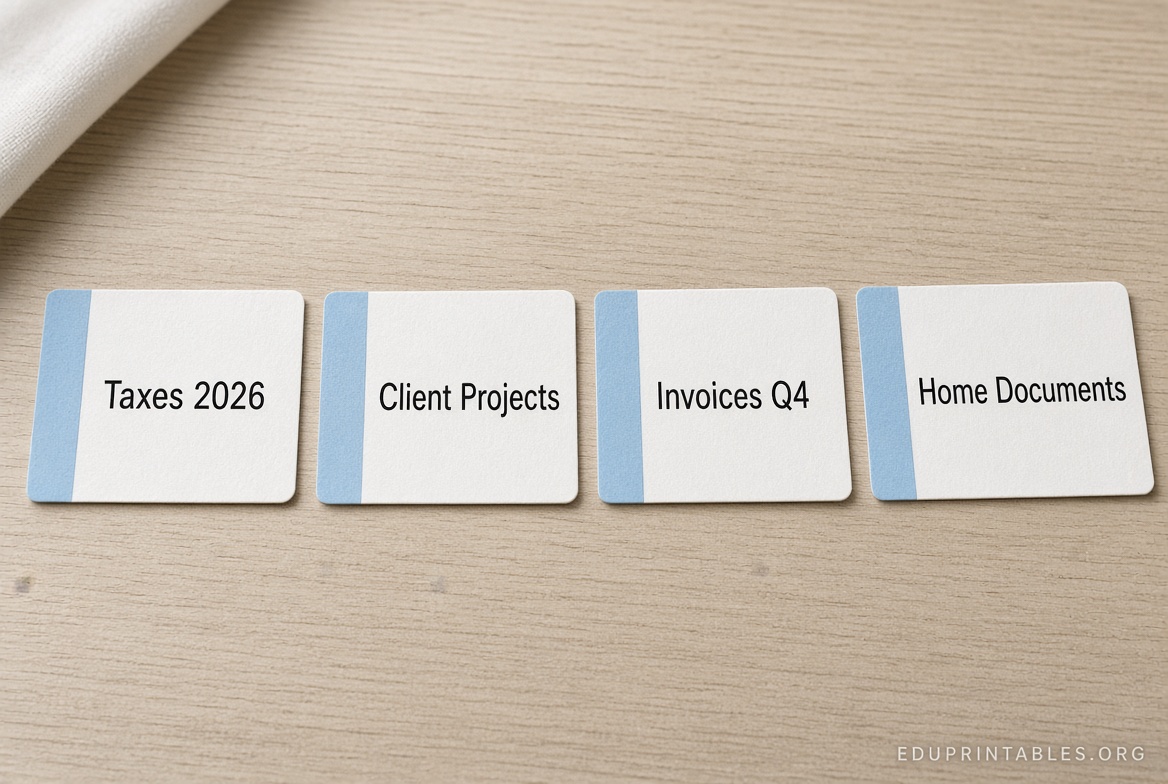
- Open the online editor or Word file. Add bold, readable text—title, year, category, or department. Use consistent fonts and optional color backgrounds for coding (e.g., blue for clients, green for finance).
- Print a test page on plain paper first to check alignment and margins.
- Load the correct label sheets (or heavy paper) into your printer according to the manufacturer’s feed instructions. Use the highest quality setting for sharp text.
- Cut if needed and apply or insert the labels. For adhesive labels, press firmly; for pocket inserts, slide them in carefully.
Tips for best results: Print in portrait orientation, disable “fit to page” scaling, and use matte paper or labels that resist smudging. Store extras in a dry place. Color-coding systems and consistent naming conventions (year-project-name) make large collections far easier to navigate.
Practical Tips for USA Users
Lever arch files are sold by major retailers and online marketplaces in the United States, often in A4 or letter-compatible sizes. If your printer only handles US Letter paper, design the labels to the correct physical size, print, and trim. Many people successfully use free A4 templates this way. Keep a master digital file so you can reprint matching labels later. For high-volume needs, batch-print from a spreadsheet list if the editor supports it.
Brief FAQ
What size are standard lever arch file labels?
Most common printable sizes are 200 × 60 mm or 192 × 61 mm (roughly 7.87 × 2.36 inches), four labels per A4 sheet. Always measure your specific binder.
Can I use these templates with regular printers?
Yes. Most free templates work with standard inkjet and laser printers. Test on plain paper first.
Are the recommended sources really free?
Yes. OpenLabelMaker requires no account or payment for basic use. Avery offers free online design tools and Word template downloads for the listed products.
What if I don’t have A4 paper?
Print on US Letter, then carefully cut the labels to the measured size. Many USA users do this successfully.
How do I cover old labels?
Choose opaque or block-out style labels when available, or print on heavier stock and insert into clear spine pockets.
Using a reliable downloadable free printable lever arch file label template turns cluttered shelves into an organized system. Start with one of the free editors or Word files linked above, customize a few labels, and print. You will notice the difference the next time you need a specific file.