Lever Arch File Label Template Excel Free Download – Looking for a lever arch file label template in Excel for free download? These templates help you create clean, professional spine labels for lever arch files (also called lever arch binders or ring binders with a lever mechanism). They are popular for office, home, and school filing in the USA, even if traditional U.S. view binders are more common. A good template lets you print matching labels, keep files organized, and avoid handwritten mess.
This guide explains standard sizes, where to get legitimate free resources, how to adapt or build one in Excel, and practical tips for printing.
What Is a Lever Arch File Label Template?
A lever arch file label template is a pre-formatted layout designed to fit the spine (back edge) of a lever arch binder. Typical European/UK sizes that many U.S. users also adopt include approximately 192 × 61 mm or 200 × 60 mm (roughly 7.6 × 2.4 inches), often 4 labels per A4 sheet. Narrower options exist for smaller spines.
In the USA, people frequently adapt these or use standard binder spine inserts (for example, ½-inch to 3-inch widths from Avery). The goal is the same: clear identification of contents when binders sit on a shelf. Excel works well because you can easily edit text, change fonts, add colors, or create multiples from a list.
Free Excel Binder Label Templates
One reliable free Excel resource offers ready-to-edit binder/folder spine labels in multiple styles and sizes (including private, office, school, and A–Z versions). Download the single Excel file, customize the text and icons, print, and cut to fit.
Get the free download here: Free Binder Label Templates for Excel.
The templates are designed for printing and cutting; measure your specific lever arch spine height and width first, then scale or crop as needed.
Free Label Templates for Lever Arch Sizes
Many free blank templates exist for the classic lever arch dimensions (192 × 62 mm, 200 × 60 mm, and narrower 192 × 39 mm versions). These are commonly supplied as Word or PDF files with exact measurements so you can recreate the layout in Excel if preferred.
Browse and download free templates (Word/PDF) for lever arch and other rectangular sizes at Labelplanet free label templates. The site lists sizes clearly and provides both portrait and landscape options.
An online browser-based editor also supports common lever arch spine sizes (192 × 61 mm and 200 × 60 mm) with no signup required. Design and print directly: OpenLabelMaker file folder / lever arch labels.
For U.S.-style binders, Avery offers free templates and Design & Print tools for spine inserts in standard widths. Search by product number (for example, 89103 for 1-inch) at Avery templates.
Additional free Word-based binder spine templates (various widths, including lever-arch style) are available at Template Sumo binder spine templates.
These sources are free to use; always verify the download page does not require payment or personal data beyond optional registration.
Lever Arch File Label Template Excel Free Download
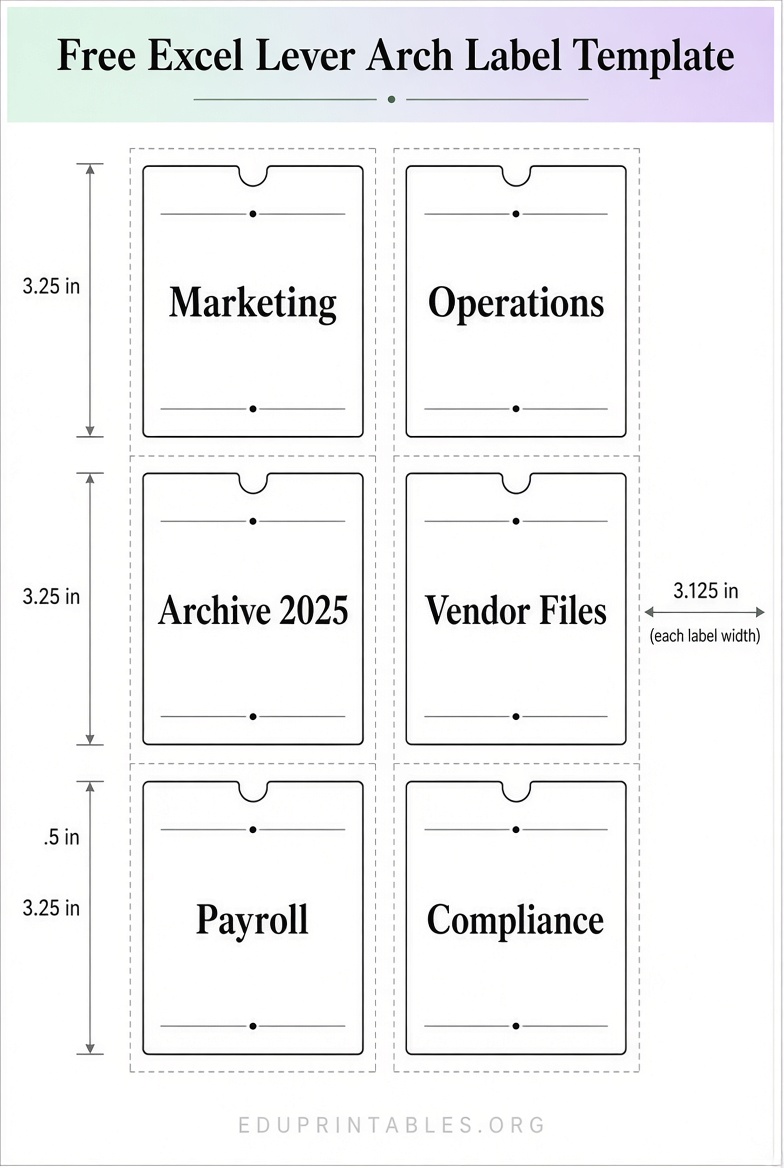
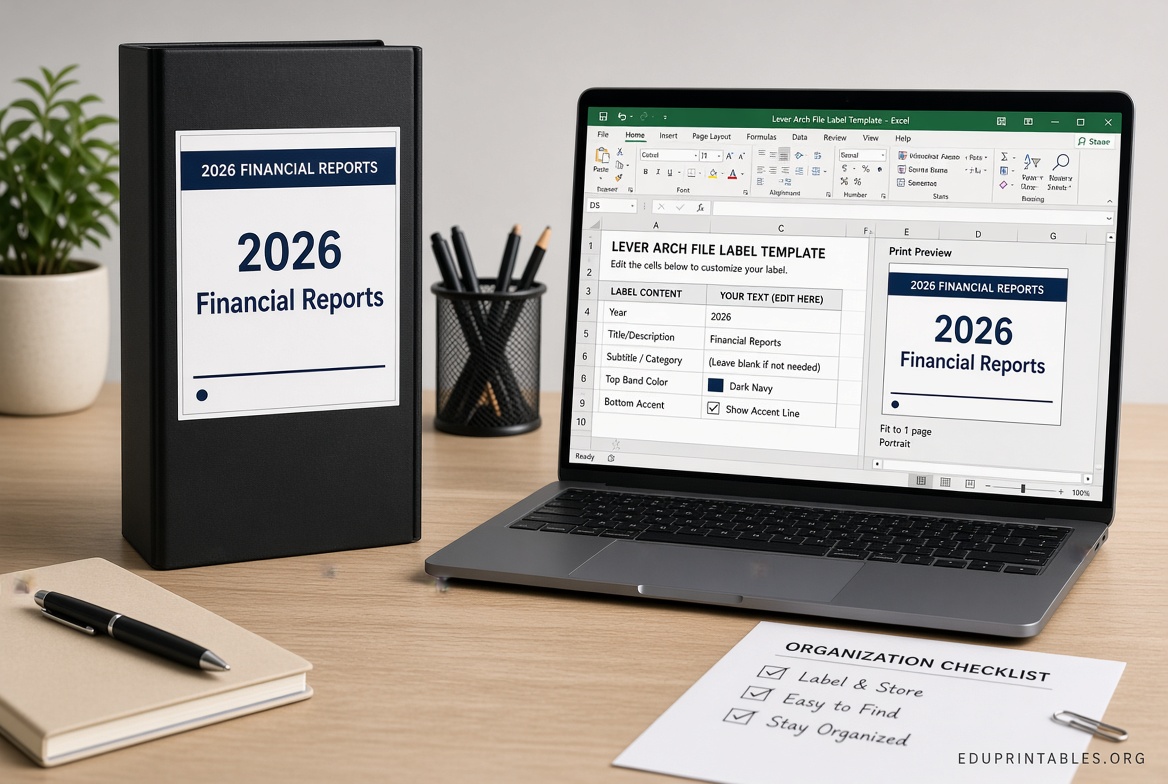
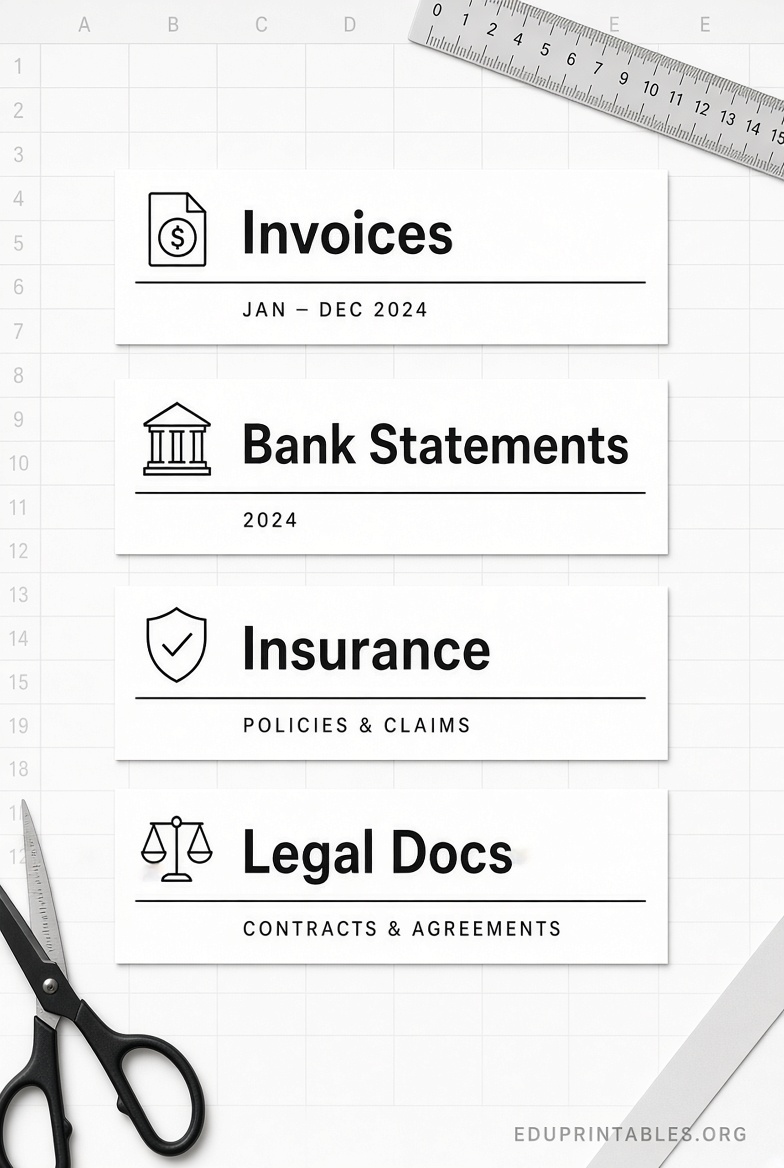
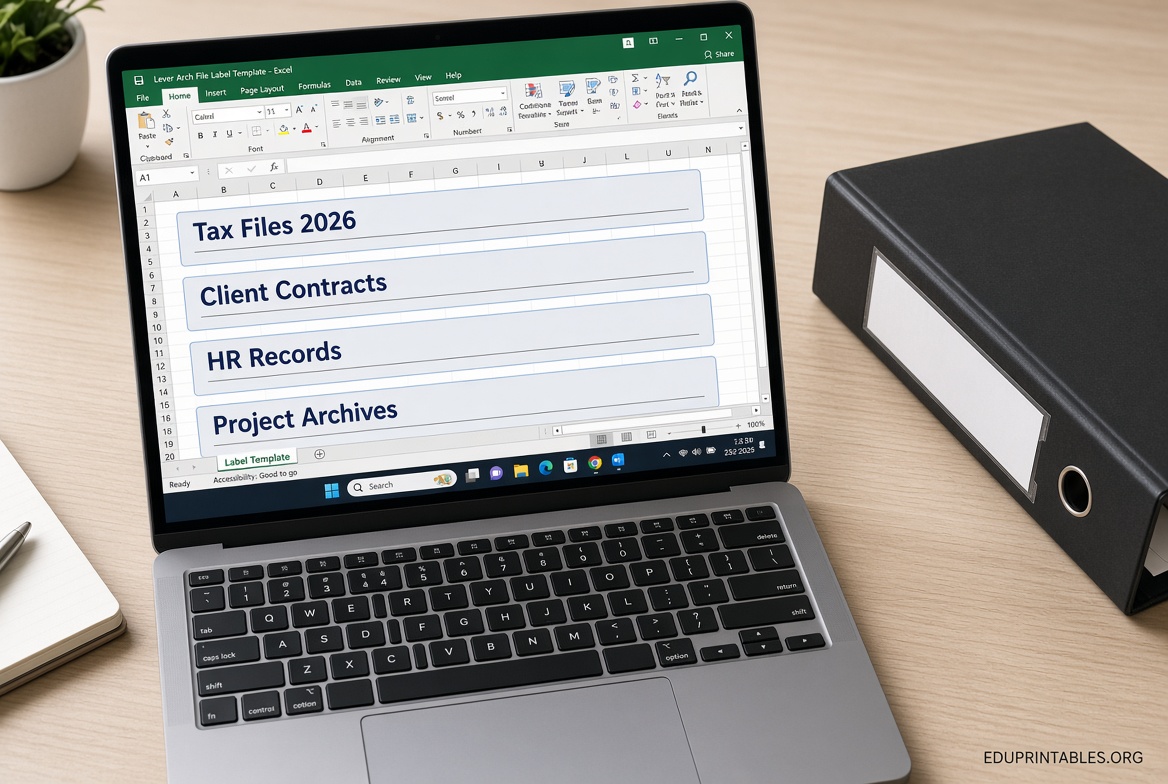
How to Create a Simple Lever Arch Label Template in Excel?
If you prefer a custom layout:
- Open a new Excel workbook. Set the page to the paper size you will use (US Letter or A4).
- Measure your binder spine carefully (height and usable width).
- Insert a table or use cell borders to create rectangles matching those dimensions. Common approach: set column widths and row heights so four (or more) labels fit cleanly on one sheet with small margins.
- Center text, choose a clear font (Arial or Calibri, 10–14 pt), and add bold titles or color coding by category.
- Use Page Layout > Print Titles or set print area, then print on plain paper or label stock. Cut carefully with a ruler and craft knife or paper cutter.
- For multiple identical labels, copy the formatted cells or use a simple data list.
Test-print on plain paper first to check alignment and fit.
Printing and Application Tips for USA Users
- Measure every binder—spine widths vary by brand and capacity.
- Use matte label paper or cardstock for durability; glossy can smear.
- Print at 100% scale with no “fit to page.”
- For lever arch files with plastic label pockets, print on cardstock and slide the insert in. For adhesive labels, use compatible sheets.
- Color-code by year, department, or project for faster retrieval.
- Keep a master Excel file so you can update and reprint as needed.
FAQ
Are free Excel templates exact matches for every lever arch file?
No. Always measure your specific spine. Templates give a starting point you can adjust.
Can I use these with regular U.S. 3-ring binders?
Yes. Adapt the width to match your binder’s spine insert pocket or apply adhesive labels carefully.
Do I need special software?
Excel is sufficient for basic templates. Online editors or Word templates work if you prefer a different format.
Is it safe to download these free templates?
Stick to the established sites linked above. Avoid unknown file-sharing pages that request payment or excessive personal information.
With a free lever arch file label template in Excel (or a quick custom version), you can organize binders quickly and professionally. Download one of the resources above, measure once, print, and enjoy a cleaner filing system.