Free Printable Ledger Pages: Templates & Downloads – Free printable ledger pages help small business owners, freelancers, and individuals track income, expenses, and account balances without expensive software. These sheets provide structured columns for dates, descriptions, debits, credits, and running balances so you can maintain clear financial records by hand or in a spreadsheet. Whether you need a simple check register, a general ledger for double-entry bookkeeping, or blank columnar paper, reliable free options are available from established template sites.
What Are Printable Ledger Pages?
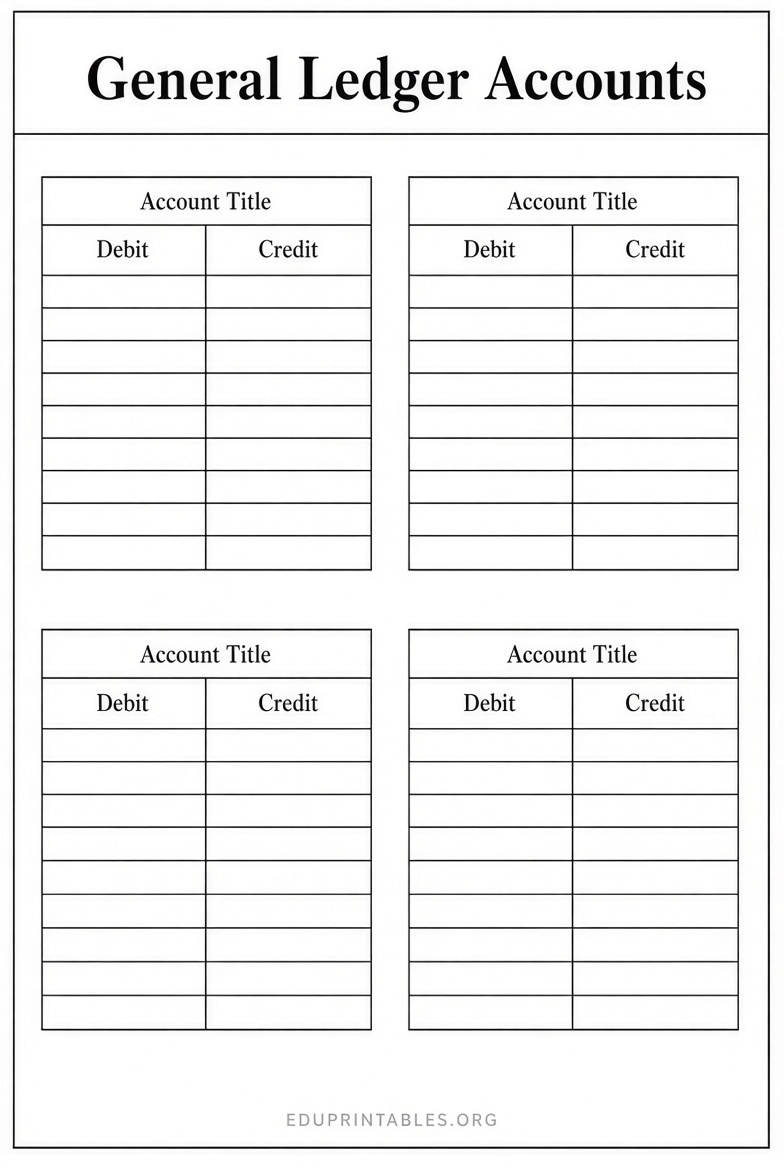
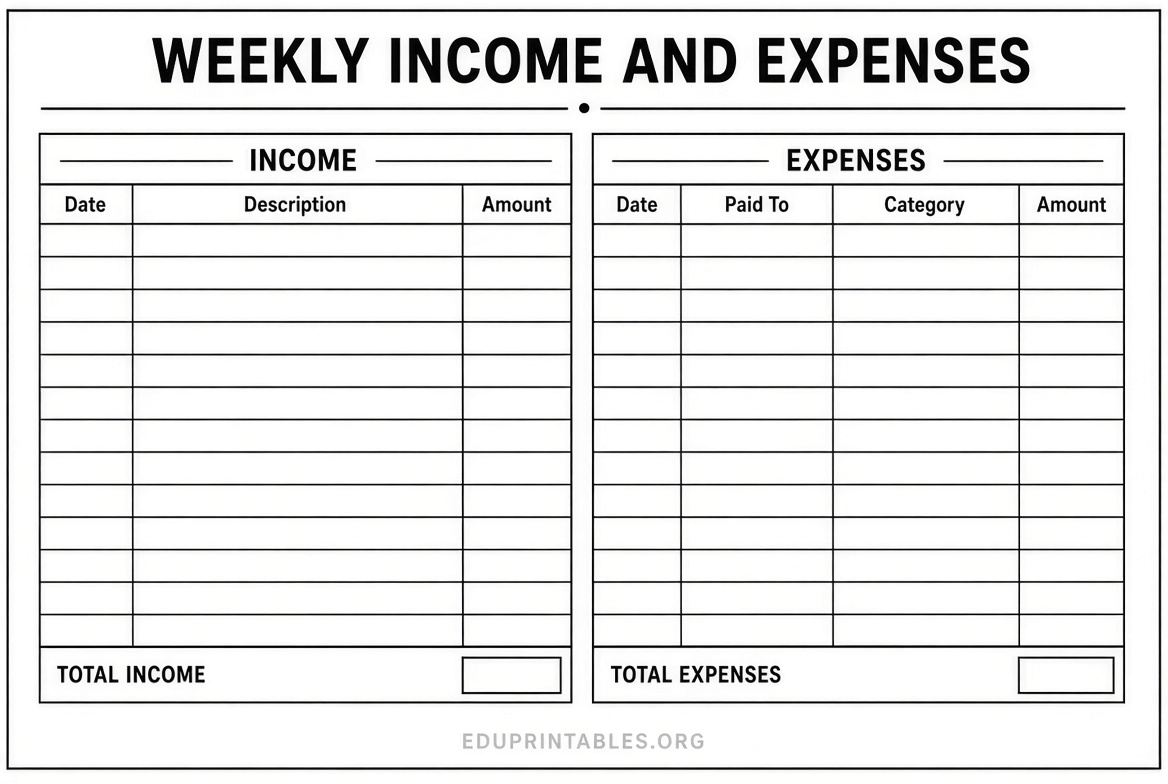
A ledger page is a formatted sheet used to record financial transactions in an organized way. Common versions include general ledgers that separate accounts (such as cash, accounts receivable, or expenses), checkbook registers that track bank activity with a running balance, and customer or vendor ledgers that summarize activity for one party. Printable versions work well for manual bookkeeping, tax preparation, or as backups when digital systems are unavailable.
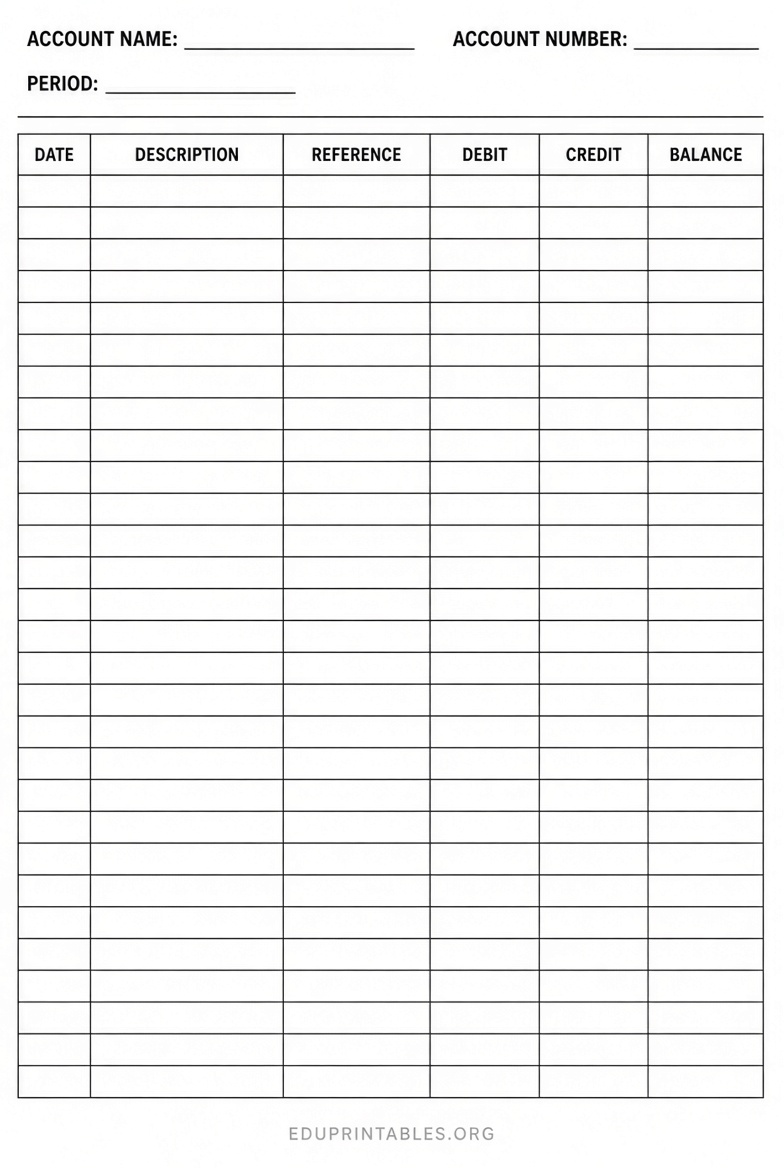
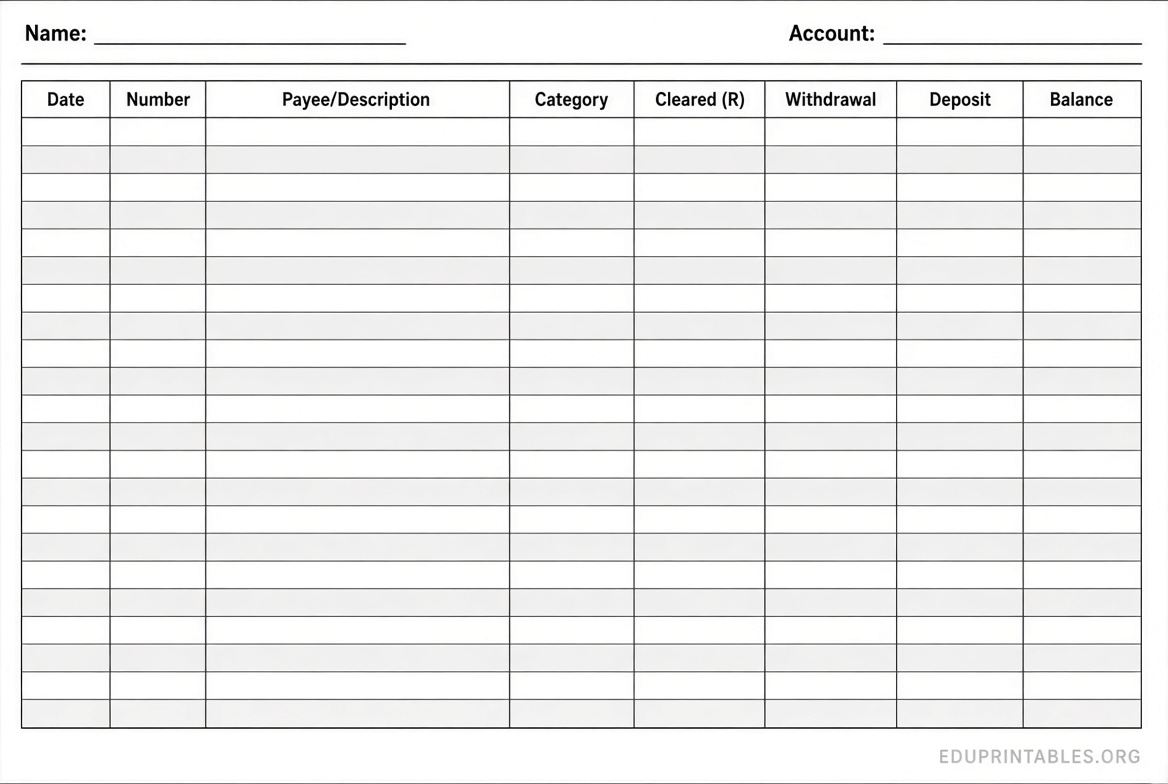
Most free printable ledger pages include fields for the date, a brief description or payee, a reference number, debit and credit amounts, and a calculated or handwritten balance. Some also add category columns or summary totals at the top of the page for quick review.
Best Places to Get Free Printable Ledger Pages
The following resources offer legitimate free downloads. Always check the license on the source site—most allow personal or private use but restrict redistribution or resale. These are third-party templates; they were not created by this website.
Vertex42 Checkbook Register provides a clean, free Excel and Google Sheets template designed as a printable-style account register. It includes columns for date, number, payee, category, and a running balance, plus a cleared-balance feature for reconciliation. Download it from Vertex42’s free Excel checkbook register page. The template works well for personal checking, savings, or simple business accounts.
Beginner Bookkeeping hosts a collection of free PDF bookkeeping forms, including a cashbook, customer ledger, accounts receivable ledger, accounts payable ledger, and T-account ledger sheets. These are ready to print and use for manual single-entry or double-entry practice. Access the full set of printable forms at Beginner Bookkeeping’s free bookkeeping forms page. A bundled PDF with multiple forms and examples is also available on the same page.
Spreadsheet Daddy Accounting Ledger offers a free template in Excel, Google Sheets, and a printable PDF version. Columns cover date, description, category, debit, credit, running balance, and notes. Get the PDF and other formats from Spreadsheet Daddy’s free accounting ledger template page.
Office Templates Online General Ledger supplies a free, editable general ledger page with summary tiles for opening balance, total debits, total credits, and closing balance, plus a running-balance table. You can customize it in the browser and download as a print-ready PDF. Find it at Office Templates Online’s general ledger with running balance.
Incompetech Accounting Ledger Paper lets you generate customizable blank accounting ledger or columnar graph paper in PDF. Choose the number of columns, page size (letter, tabloid, etc.), and line colors, then download and print. Use the generator at Incompetech’s accounting ledger graph paper tool for flexible blank sheets that work for any manual ledger style.
Free Printable Ledger Pages: Templates & Downloads




How to Use Free Printable Ledger Pages?
Start by printing several copies on standard letter paper (or tabloid for wider layouts). Use a heavier weight if you plan to write with ink so it does not bleed through. Fill in the account name, account number, and period at the top of each page. Record every transaction as it happens, using consistent abbreviations and keeping source documents (receipts, invoices) nearby for reference.
For double-entry ledgers, ensure each debit has a corresponding credit elsewhere in your books. At the end of the month, total the columns, confirm the running balance matches your calculations, and carry the closing balance forward as the opening balance on the next page. Store completed pages in a binder organized by account number or name for easy retrieval at tax time or during an audit.
Digital versions in Excel or Google Sheets can be printed when needed and also serve as living files that auto-calculate balances. Whichever format you choose, review your ledger regularly against bank statements to catch errors early.
Tips for Effective Ledger Tracking
- Record transactions the same day they occur to avoid forgotten entries.
- Use clear descriptions so anyone (including a future accountant) can understand the entry later.
- Number pages and keep them in chronological or account order.
- Reconcile the ledger to bank or credit card statements at least monthly.
- Keep digital backups of important printed pages by scanning them.
Frequently Asked Questions
Are free printable ledger pages suitable for small businesses?
Yes. Many freelancers and micro-businesses use them for cash-basis tracking or as supplements to accounting software. For complex operations or tax compliance, consult a professional accountant.
Can I customize these templates?
Most free templates allow personal customization. Spreadsheet versions can have columns added or removed; PDF versions can often be filled digitally or used as models to recreate in your own software. Always respect the source license.
Do I need accounting knowledge to use a ledger page?
Basic single-entry registers (like a checkbook ledger) require little prior knowledge. Double-entry general ledgers benefit from understanding debits and credits. Free guides on the same sites that offer the templates often explain the fundamentals.
Where can I find blank ledger paper instead of filled templates?
Incompetech’s generator produces customizable blank accounting ledger sheets. Office supply stores also sell pre-printed columnar paper if you prefer physical pads.
Free printable ledger pages remain a practical tool for anyone who wants straightforward financial tracking. Download from the trusted sources listed above, print what you need, and start recording your transactions with confidence.