Free SQDC Excel Template: Where to Get One – An SQDC template Excel free download helps teams track Safety, Quality, Delivery, and Cost on a single visual board. These boards support daily huddles, Gemba walks, and tiered meetings in manufacturing, healthcare, and other operations. The right template makes daily performance visible without complex software.
What Is an SQDC Board?
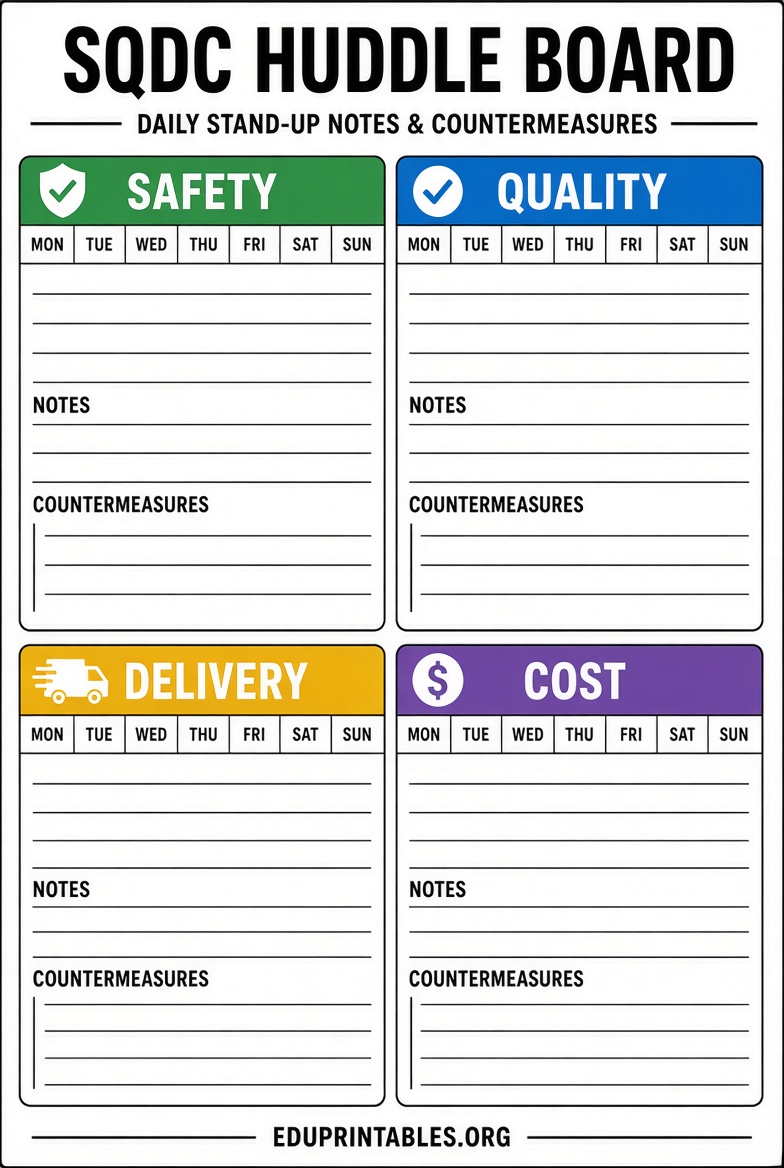
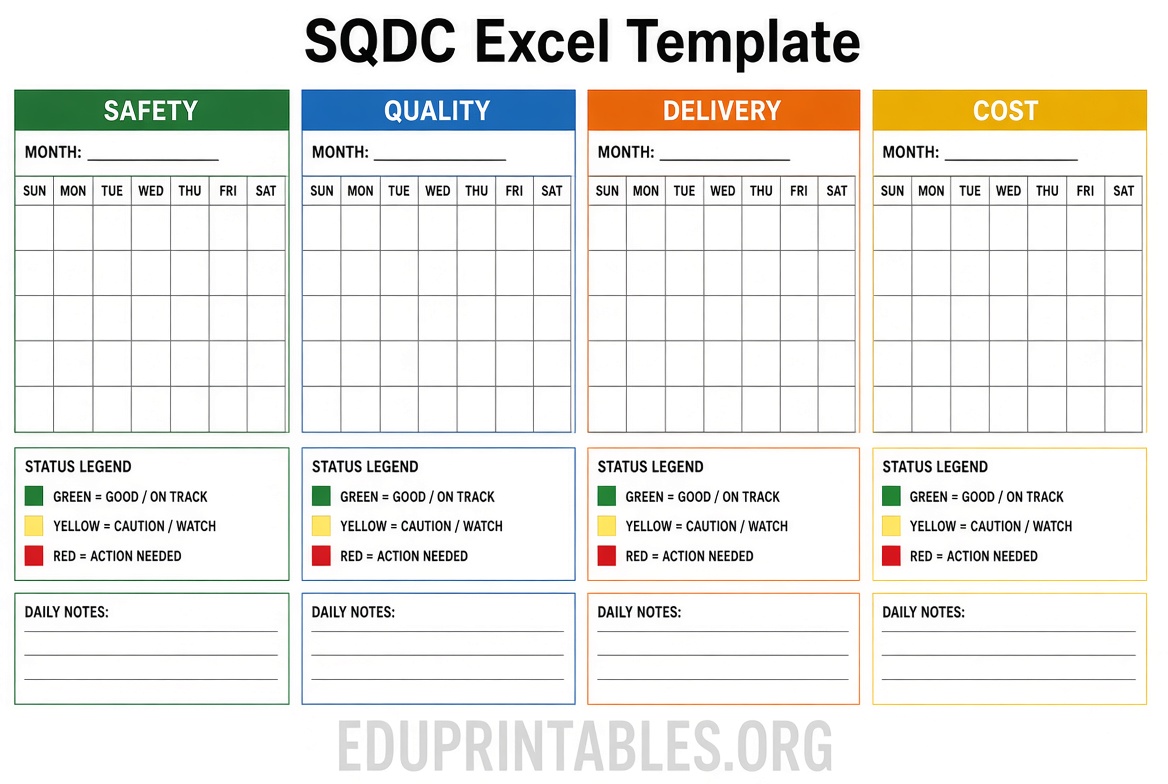
SQDC stands for Safety, Quality, Delivery, and Cost. Teams update the board each shift or day so everyone sees whether targets are met. Green typically means on target, yellow signals a concern, and red flags a problem that needs action. Variations such as SQDCP (adds People) or SQDCM (adds Morale) follow the same idea.
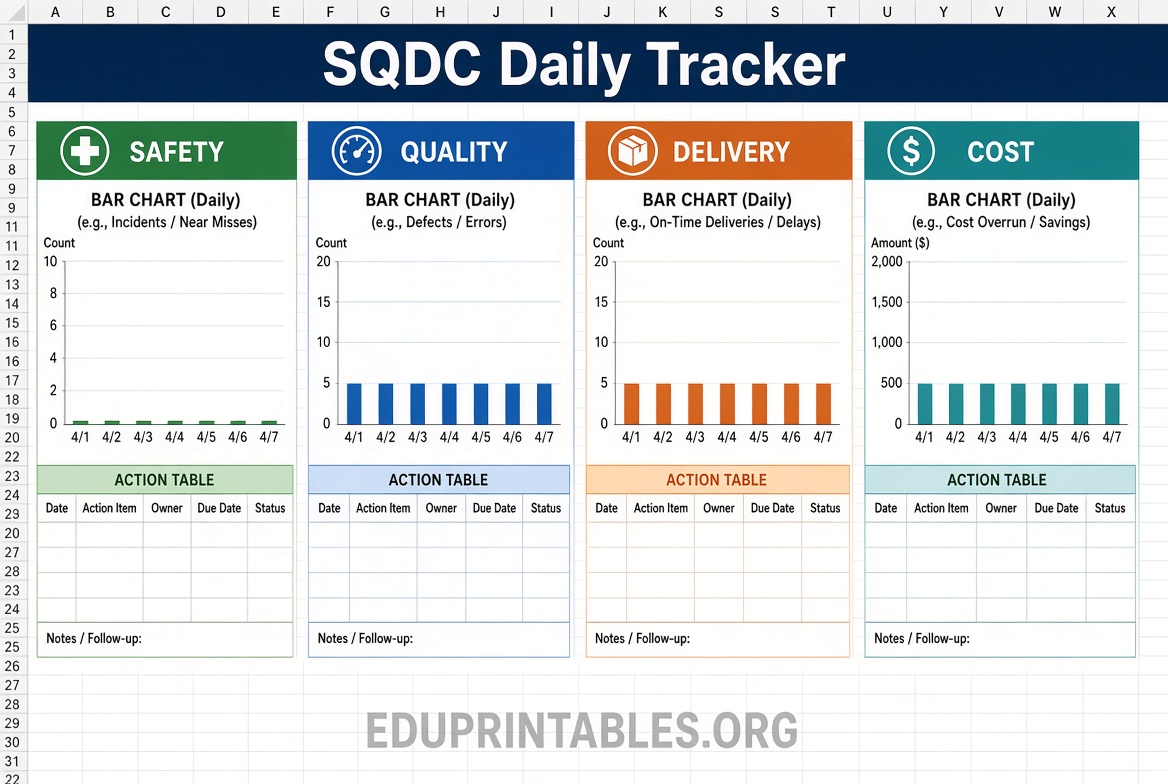
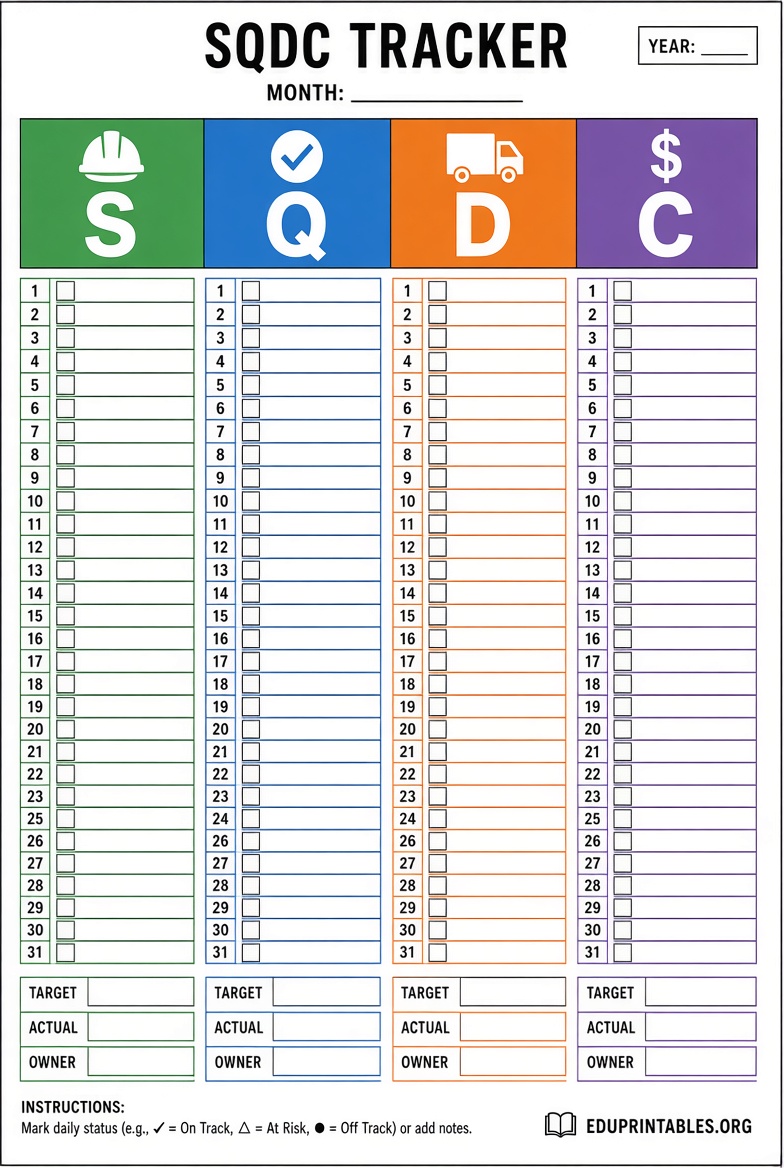
A free SQDC template Excel file gives you columns or sections for each pillar, space for daily numbers, status colors, and simple trend charts. It works well for a single team or pilot area while you build the habit of reviewing performance every day.
Where to Get a Free SQDC Template Excel?
Several legitimate sources offer free SQDC Excel templates. Most ask for a name and email before download. These are third-party resources, not created by this site.
Lean Transition Solutions (via LeanDataPoint) provides a ready-to-use SQDC Excel KPI tracker designed for daily management. It includes structured fields for the four pillars, trend visuals, and an implementation guide. Visit the free SQDC template page to access the download form.
The same provider also offers a free SQDCP version that adds a People pillar. It is useful when teams want to track engagement or staffing alongside the classic four metrics. The download is available on the SQDCP Excel template page.
For teams that include Morale, the free SQDCM Excel tracker covers five pillars in one sheet. It follows the same daily-huddle format. Find it on the SQDCM template download page.
Mark Graban’s Lean Blog hosts free printable Safety Cross and SQDC letter templates (PDF) provided by StoreSMART. These work well on physical boards when you prefer printed letters over a digital spreadsheet. Access the form on the Lean Blog free SQDC templates post.
Free SQDC Excel Template: Where to Get One
How to Use a Free SQDC Excel Template?
Start by defining one or two clear metrics for each pillar. Examples include near-miss count for Safety, defect rate for Quality, on-time percentage for Delivery, and cost per unit for Cost. Enter targets so the template can show green, yellow, or red status.
Update the file at the same time every day, ideally just before the team huddle. Review only the red and yellow items. Assign an owner and a short countermeasure for each issue. Keep the file in a shared location so supervisors can see the latest data without waiting for a printed copy.
Most free templates include basic charts. Use them to spot trends over a week or month rather than reacting to a single day. When the same pillar stays red for several days, escalate it in the next tier meeting.
Practical Tips for SQDC Tracking
Keep the board or spreadsheet simple. Too many metrics hide the real problems. Review the board standing up and limit the meeting to 10–15 minutes. Focus on actions, not explanations.
Print a monthly summary from the Excel file if you use a physical board. Laminating daily sheets wastes paper and loses history. A hybrid approach—Excel for tracking and a printed status board for the floor—works well for many teams.
Excel templates are a good starting point. They help you learn which metrics matter and build the daily habit. Once multiple shifts or sites need the same view, many teams move to a shared digital board so data stays current without manual copying.
FAQ
Is an SQDC template the same as a QDIP board?
They are very similar. QDIP usually stands for Quality, Delivery, Inventory, and Productivity. Many organizations use the terms interchangeably or adapt the letters to fit their priorities.
Do free SQDC Excel templates include formulas?
Most of the templates listed above include basic status colors and simple charts. You can add your own formulas for percentages or running totals after download.
Can I use an SQDC template outside manufacturing?
Yes. Hospitals, warehouses, and service teams use SQDC boards for the same daily visibility. Adjust the metrics to fit the work (for example, patient wait time instead of on-time delivery).
What if I need a version for Google Sheets?
Open the downloaded Excel file in Google Sheets and save a copy. Most formatting and simple charts transfer cleanly. Check colors and charts after import.