Free Header Footer Templates for MS Word – Looking for free header footer templates MS Word can use for letters, reports, or branded documents? Headers and footers let you place logos, contact details, page numbers, or dates that repeat automatically across pages. In Microsoft Word they keep business and personal correspondence looking consistent and professional on standard US Letter paper (8.5 × 11 inches).
This guide explains the basics, shows legitimate places to get free printable templates, and covers practical steps so you can download, customize, and print without design skills or paid software.
What Are Header and Footer Templates in MS Word?
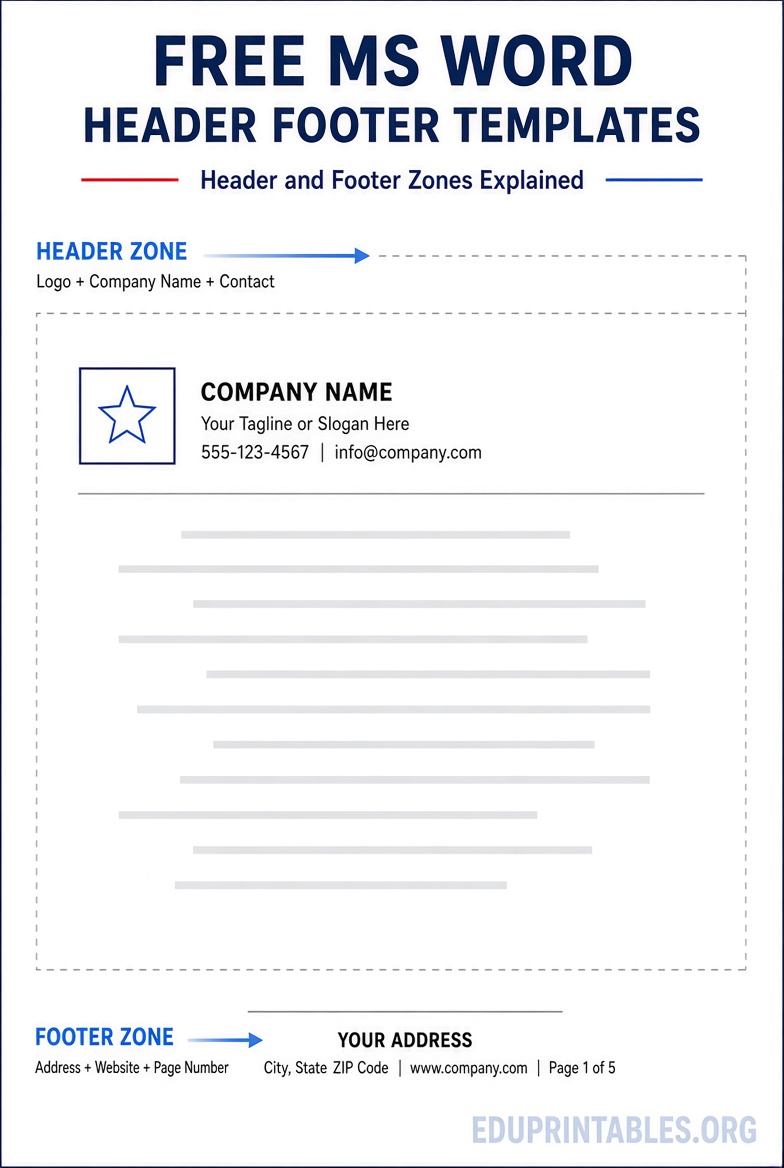
A header sits at the top of each page; a footer sits at the bottom. Templates pre-format these areas with placeholders for your logo, company name, address, phone, website, or legal text. Many also include page numbering or document properties that update automatically.
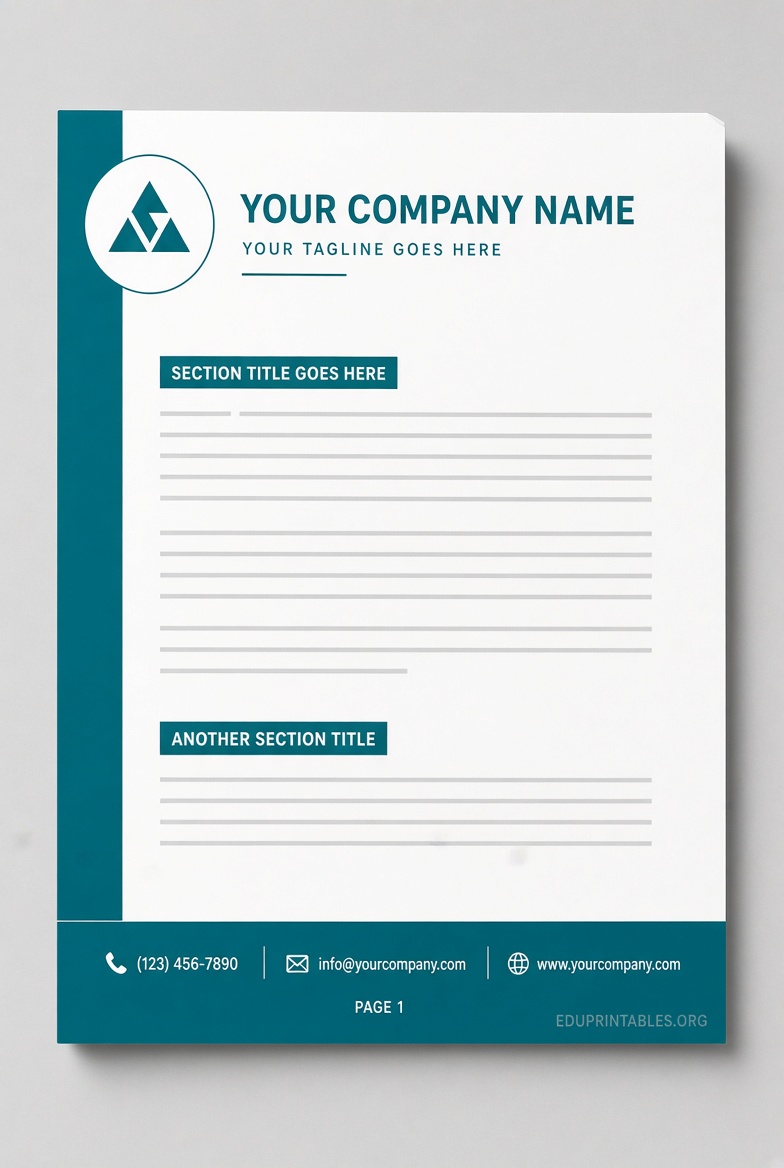
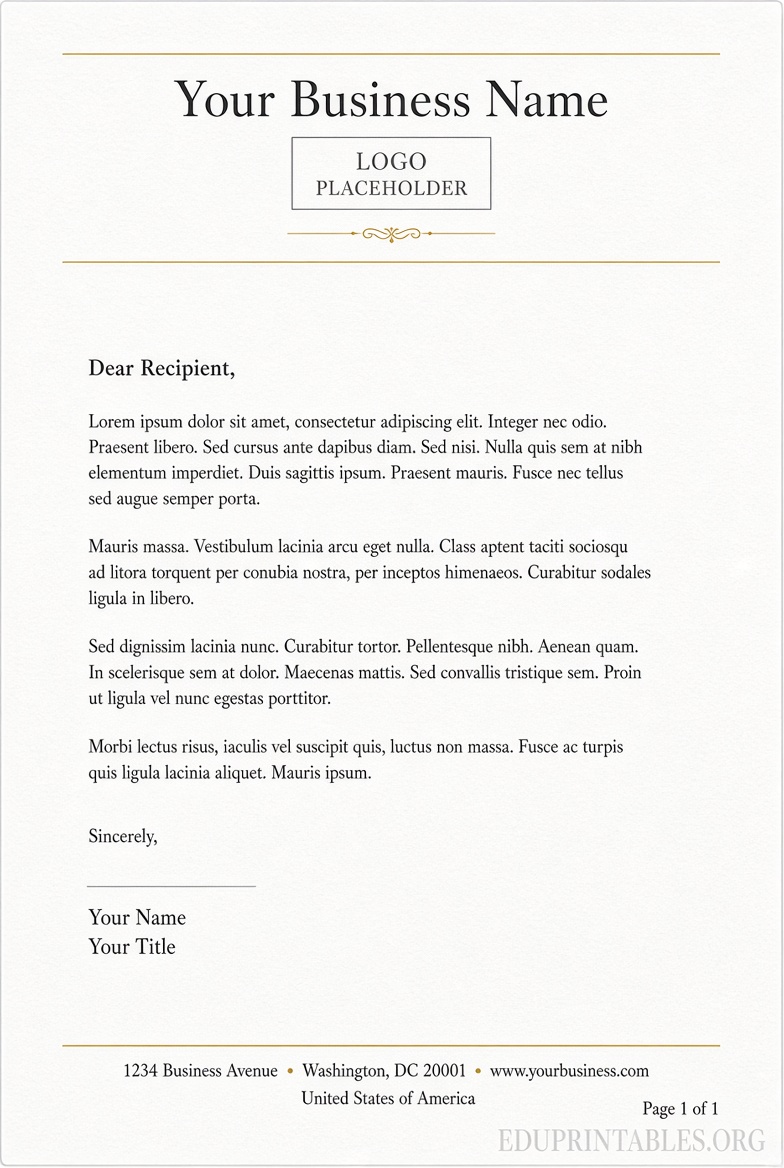
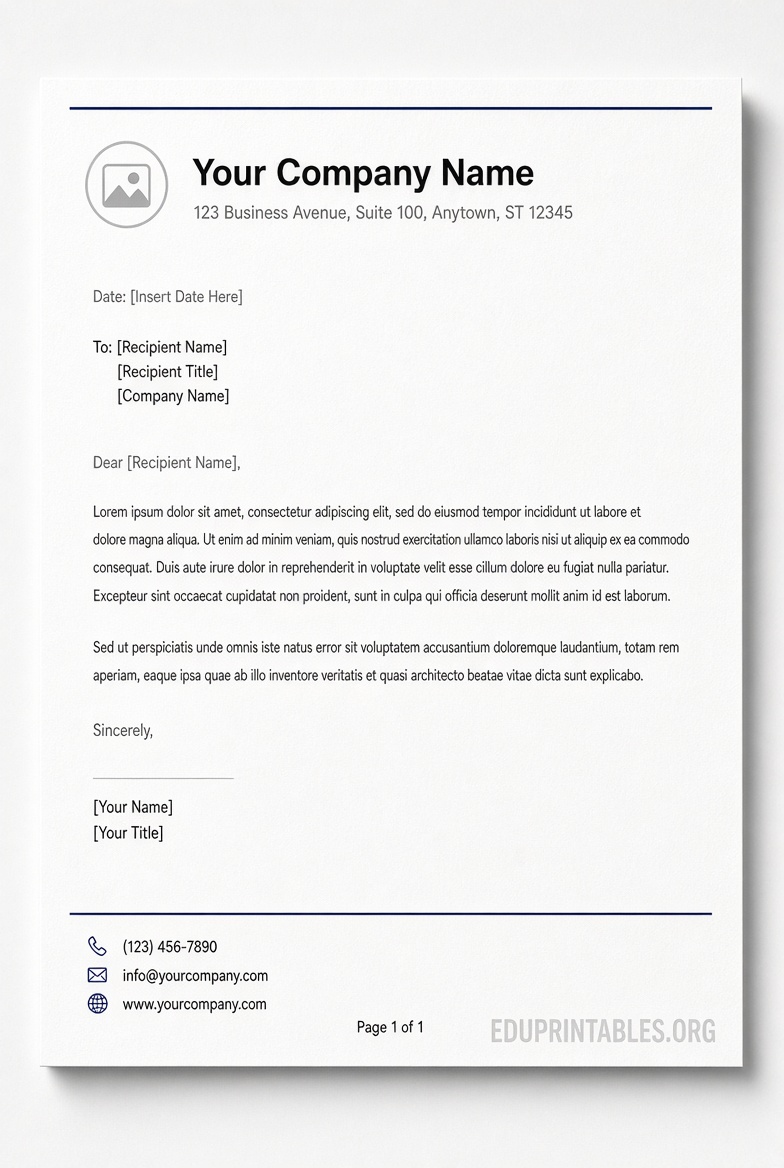
Letterhead templates are the most common type. They combine a branded header with optional footer details so every letter or memo carries the same identity. Word’s built-in tools and free downloadable files make it easy to start with a polished design instead of building from a blank page.
Where to Find Legitimate Free Header Footer Templates?
Stick to official or clearly free sources. Avoid sites that require payment, watermarks, or unclear licenses.
Microsoft’s free templates are the safest starting point. Open Word, go to File > New, and search for “letter,” “letterhead,” or related terms. You can also browse online collections of free letter and letterhead templates that open directly in Word or Word for the web. Customize colors, text, and images, then download or print. These work with Microsoft 365, Word 2021, and earlier versions.
Apollo’s Templates offers ten free company letterhead designs built specifically for Microsoft Word (.dotx files) and Google Docs. They use US Letter size, include clean header and footer layouts (split headers, brand bars, regulatory footers, multi-office identity blocks), require no account, and carry no watermarks. Download the .dotx, open it in Word (2007 and later, including Word for Mac), replace the placeholders with your details, and save. The site states the files are free for personal or business use.
Limit yourself to these authoritative options. Many third-party sites repackage the same content or add restrictions.
Free Header Footer Templates for MS Word
How to Insert and Customize a Header or Footer?
- Open a new or existing Word document.
- Double-click near the top or bottom of the page, or go to Insert > Header (or Footer) and choose a built-in style or Blank.
- Add text, a logo (Insert > Pictures), page numbers (Header & Footer > Page Number), or document info (date, file name, author).
- Use the Header & Footer tab options for “Different First Page” (useful for title pages) or different odd/even pages.
- Adjust margins if needed so body text does not collide with the header or footer.
- Close Header and Footer when finished.
To turn a finished design into a reusable template, save the file as a Word Template (.dotx). Next time you open it, Word creates a fresh document with the header and footer already in place.
For more control, Microsoft’s support pages explain adding document properties and field codes to headers and footers.
Practical Tips for USA Users
- Design for US Letter (8.5 × 11 inches) so the template prints correctly on standard paper.
- Keep logos high-resolution (150–300 DPI at print size) so they stay sharp.
- Place contact or regulatory details in the footer when the header is already full.
- Test-print one page; screen colors and spacing can shift slightly on paper.
- Save a master .dotx file so every new letter starts clean and the original template stays unchanged.
These small steps keep documents looking professional for clients, schools, or internal use.
Brief FAQ
Are free Word header and footer templates really free to use commercially?
Yes, when they come from Microsoft’s official library or sites that explicitly state free personal and business use (such as the Apollo’s Templates collection). Always check the specific license on the download page.
Can I use these templates in older versions of Word?
Most .dotx files open in Word 2007 and later, including Word for Mac and Microsoft 365. Built-in gallery styles work across recent versions.
Do I need an account to download free templates?
Microsoft templates are available inside Word or through create.microsoft.com without extra sign-up for basic use. Apollo’s Templates states no account is required.
How do I make the header appear only on the first page?
Enable “Different First Page” on the Header & Footer tab, then leave the first-page header blank or customized differently.
Start with Microsoft’s free letterhead options or the ready-to-edit company designs from Apollo’s Templates, customize the header and footer once, and you will have a professional, printable solution ready for everyday documents.