Free Accident Scene Diagram Templates & Tools – Looking for free accident scene diagram templates to document a car crash for insurance, police, or personal records? A clear top-down sketch of the roadway, vehicles, directions of travel, point of impact, and final positions helps explain what happened far better than words alone.
These diagrams support insurance claims, incident reports, and discussions with attorneys or adjusters across the United States. You do not need expensive software or advanced drawing skills. Several free browser-based tools let you create, customize, and print professional-looking diagrams in minutes with no account required.
What Is an Accident Scene Diagram?
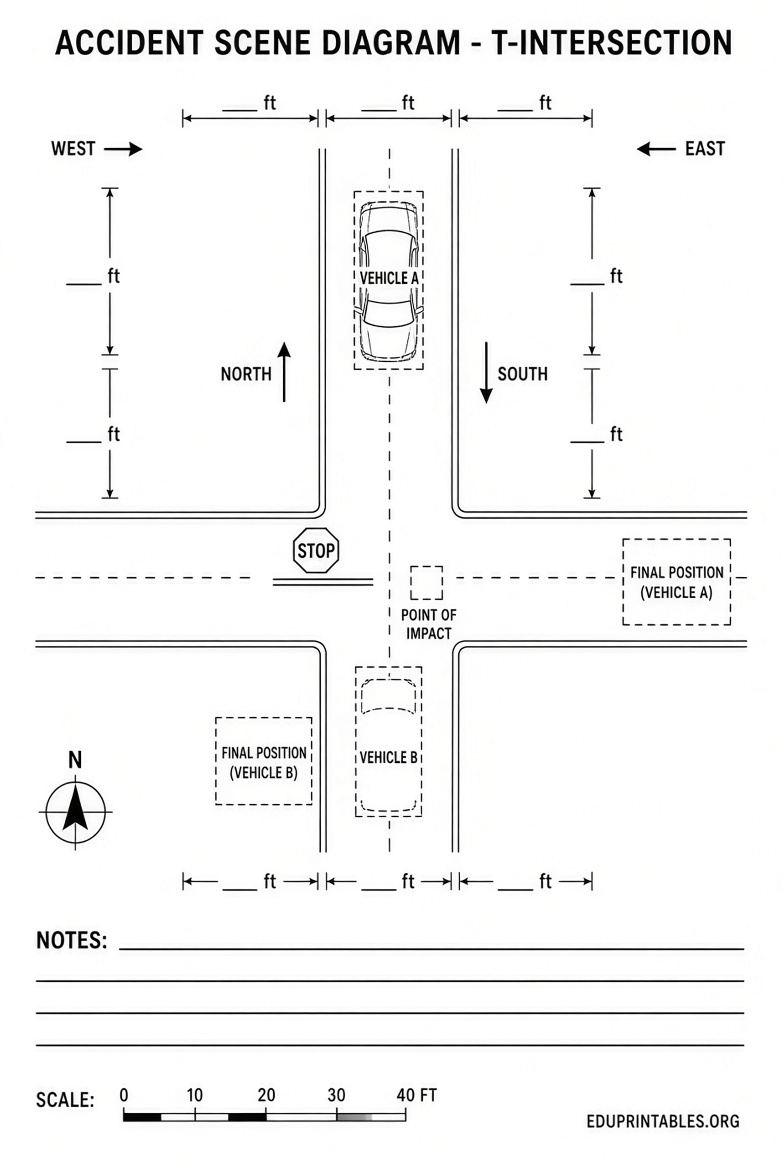
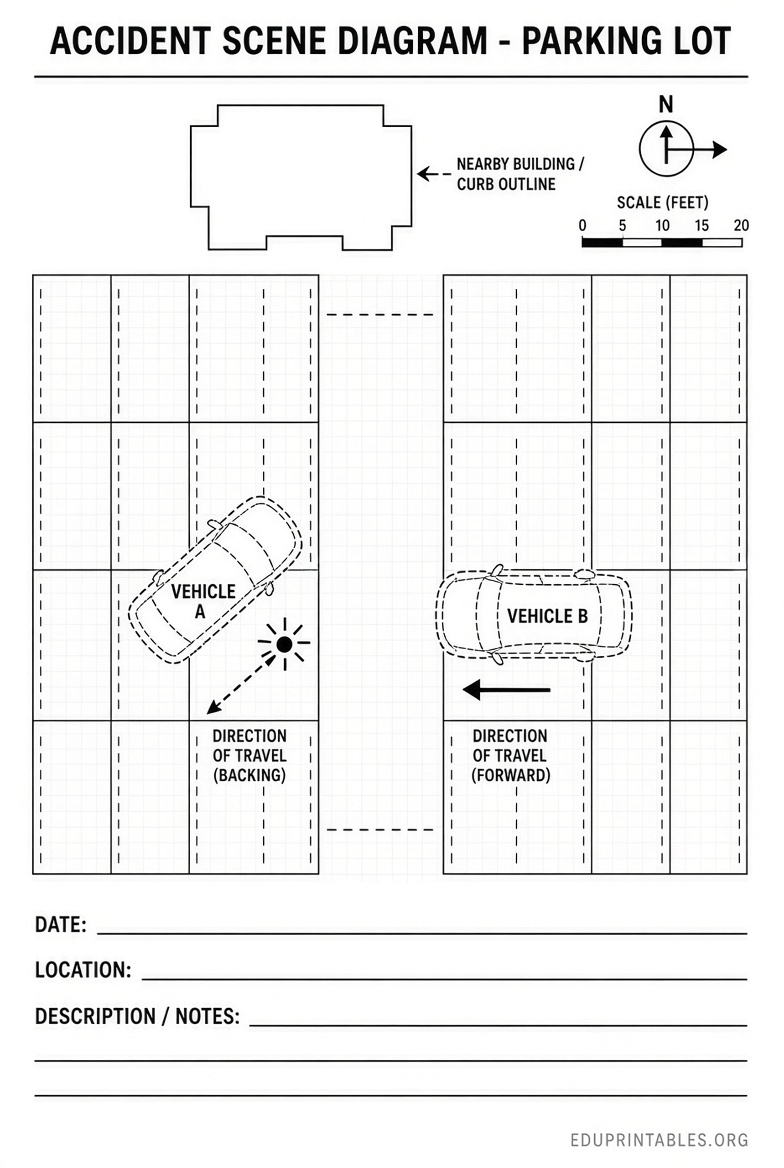
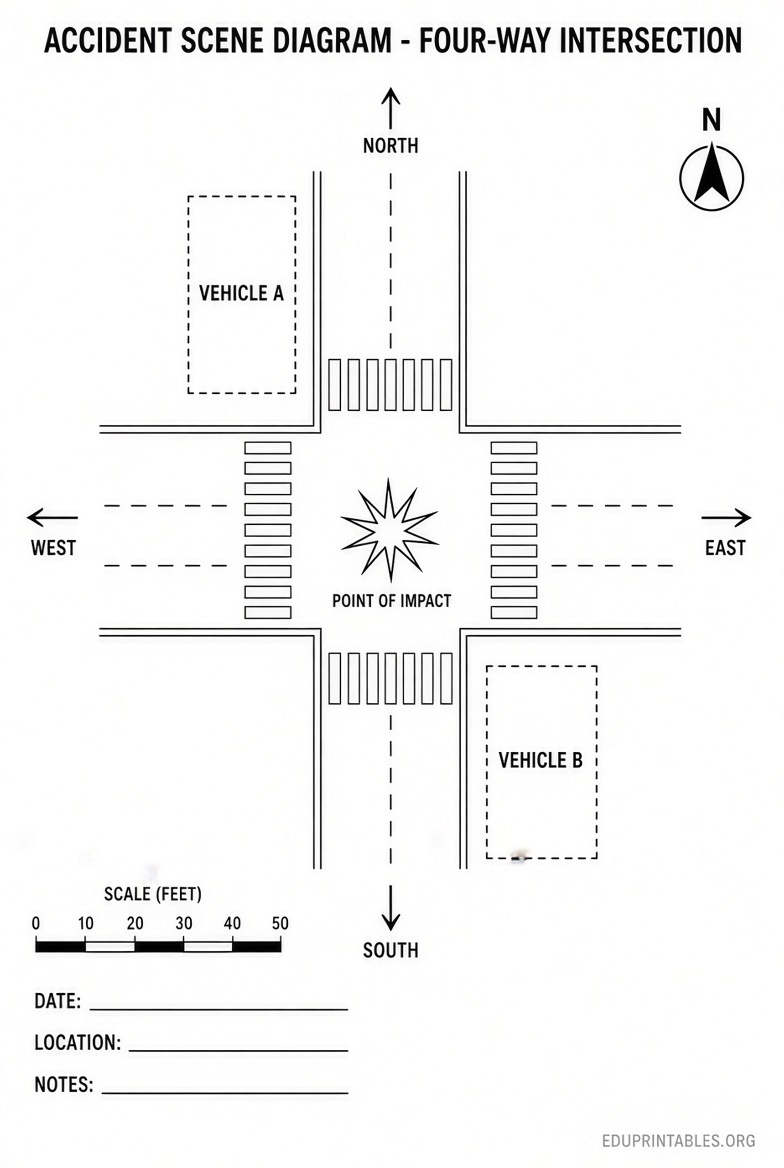
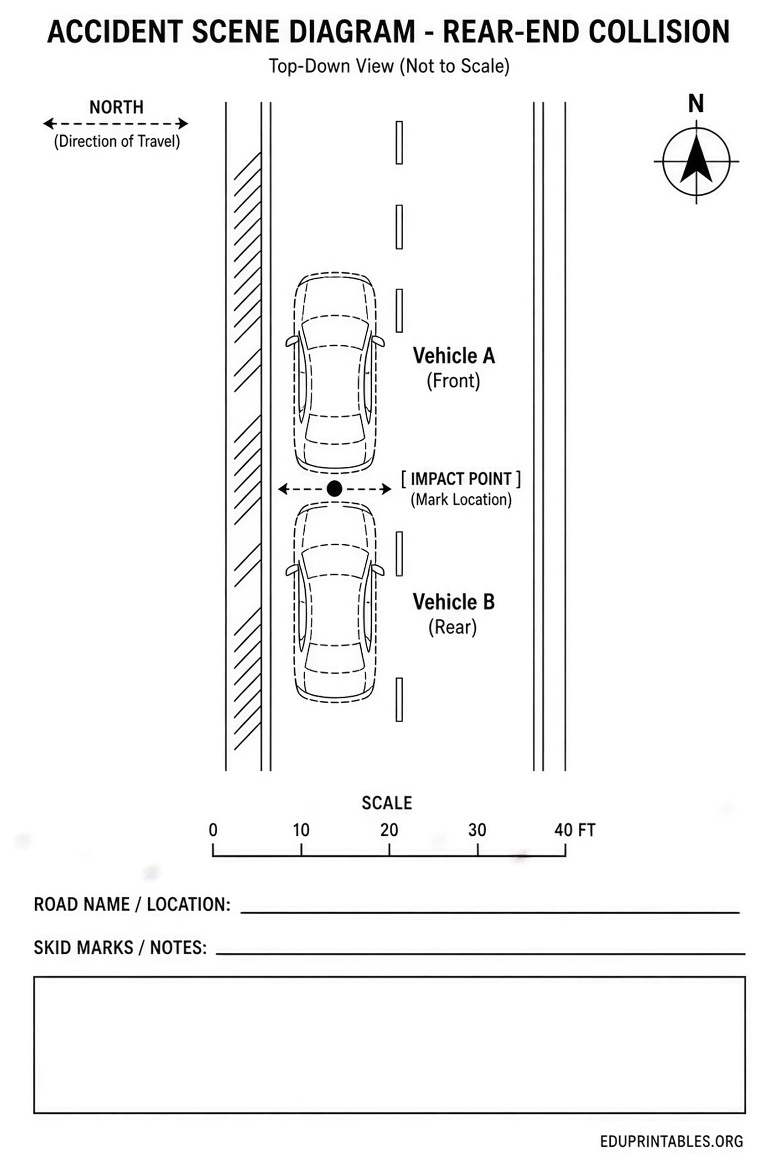
An accident scene diagram (also called a collision diagram, crash sketch, or traffic sketch) is a simple bird’s-eye view of the incident location. It typically shows:
- Road layout, lanes, intersections, or parking areas
- Vehicle positions before impact, at impact, and at final rest
- Direction arrows
- Point of impact
- Traffic signs, signals, crosswalks, or other relevant features
- Basic labels for streets, vehicles, and notes
Police officers often include one in official reports. Drivers and insurance claimants create their own to organize memories while details remain fresh. These free tools produce illustrative diagrams only—they are not scaled forensic reconstructions or legal proof of fault.
Why Use a Free Template or Online Tool?
Creating a diagram right after a crash helps preserve accurate details. Free options remove cost barriers and work on phones, tablets, or computers. You can export a PNG image or printable PDF to attach to a claim or keep for your records.
Prioritize tools that process everything in your browser, require no signup, and keep data on your device.
Best Free Online Tools for Accident Scene Diagrams
Here are reliable, currently available free resources that let you build and print diagrams without registration.
Accident Replay Studio by Law Badgers
This free collision diagram builder runs entirely in your browser. Choose common scenarios (rear-end, T-bone, parking lot, lane-change, multi-vehicle, pedestrian) or start blank. Place and rotate vehicles, add impact markers and arrows, create step-by-step sequences (before, impact, after), and export as PNG or print-ready PDF. No account is needed, and projects stay private on your device.
Access it here: https://www.lawbadgers.com/tools/accident-replay/
My Traffic Sketch
A clean, free traffic accident diagram maker designed for drivers and claim documentation. Use intersection templates, place cars, trucks, motorcycles, pedestrians, signs, and lights, add measurement lines (in feet or meters), and export a PNG or one-page PDF report with case details. Everything stays local—no account or upload required.
Start drawing here: https://mytrafficsketch.com/
Free Accident Sketch and Report Tool
This browser-based tool lets you collect case notes and build a visual collision diagram with roads, roundabouts, crosswalks, vehicles, arrows, crash markers, and freehand drawing. Download as PNG or a full report PDF. No registration, no software install, and data remains on your device.
Use the tool at: https://www.softwareforenterprise.us/tools/accident-reconstruction/sketch_and_report.html
These three resources cover the majority of common U.S. crash scenarios and produce printable results suitable for insurance or personal use.
Free Accident Scene Diagram Templates & Tools
How to Create an Effective Accident Scene Diagram?
Follow these practical steps for the clearest result:
- Gather basic facts while the memory is fresh: date, time, location, road names, weather, and approximate speeds if known.
- Choose a matching road template (intersection, straight road, highway, parking lot).
- Place vehicles in their approach positions and add direction arrows.
- Mark the point of impact clearly.
- Show final resting positions.
- Add labels for streets, vehicle descriptions, and any relevant signs or landmarks.
- Include a north arrow if possible and keep notes brief.
- Export or print immediately and save a copy.
Do not invent details you cannot recall. Label uncertain elements as such. Pair the diagram with photos of vehicle damage, the scene, and the official police report when available.
Tips for U.S. Drivers and Claimants
- Create the diagram as soon as safely possible after the crash.
- Keep the first version unchanged; make updated copies if new information appears.
- A diagram supplements—but never replaces—photographs, witness statements, or the official crash report.
- For complex or injury cases, consider consulting a qualified professional. Free tools are illustrative aids only.
Frequently Asked Questions
Are these accident scene diagram tools really free?
Yes. The linked tools require no signup, payment, or software download and process data locally in your browser.
Can I use these diagrams for an insurance claim?
Yes, as supporting documentation to help explain vehicle positions and movements. They do not prove fault on their own.
Do I need to be an artist or have special software?
No. Drag-and-drop interfaces and ready templates make the process straightforward on any modern device.
What if I prefer a paper template?
Print a blank grid or intersection outline and sketch by hand, or use one of the free online tools and print the finished diagram. Pure static free printable Word/PDF templates without registration are limited; the online builders provide more flexibility and better results.
A clear free accident scene diagram helps you document a crash accurately and communicate the facts effectively. Use one of the trusted browser tools above, export a printable version, and keep it with your other claim records.